







·
Oct 19, 2026
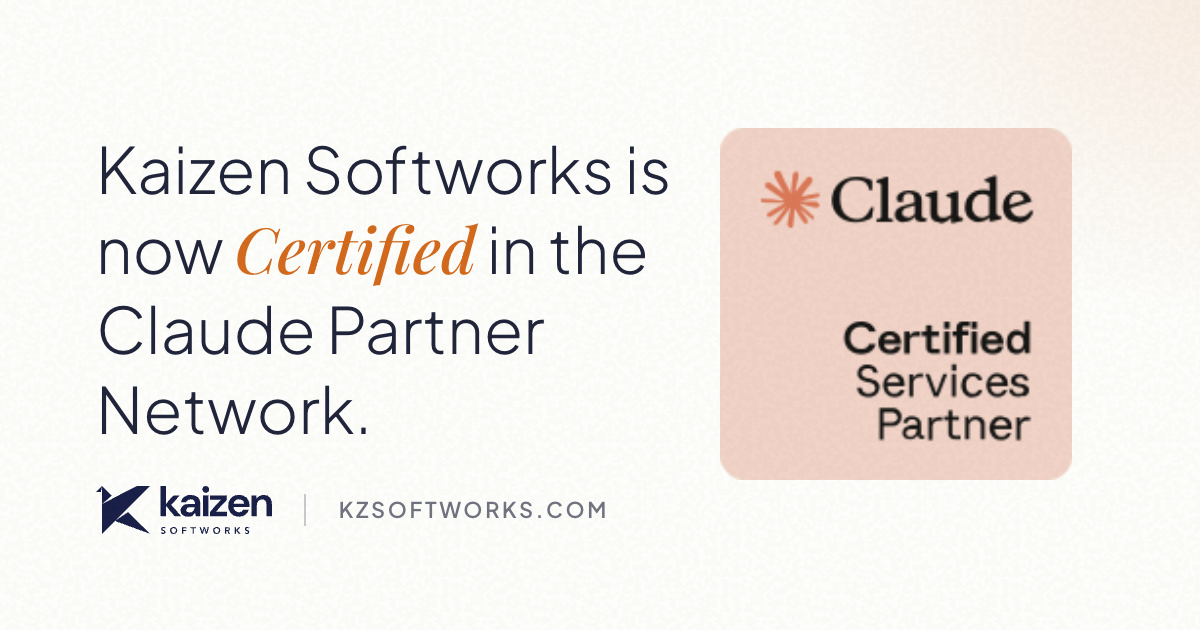
Kaizen Softworks is Certified in the Claude Partner Network, bringing AI-assisted development services like prototyping, MCP connectors, and AI agents to clients.

12 read time
Kaizen Softworks is Certified in the Claude Partner Network.
This milestone recognizes the Claude training and certifications completed by members of our team. It also reflects work we've been doing across Kaizen: testing how AI can improve software development and exploring new ways to build AI into products.
For your team, that could mean testing a product idea earlier, finding information across internal systems, or reducing manual work in an existing process.
We've been exploring these opportunities through internal experiments and client projects. Now we're bringing that experience into services designed to help you identify where AI makes sense and turn promising ideas into working software.
What being Certified means
The Claude Partner Network is how Anthropic works with firms that help customers bring Claude into production. Its Services Track recognizes progress in developing certified teams, delivering Claude use cases, and demonstrating customer work.
Certified is the first partner tier. It recognizes firms whose team members have completed Claude training and earned Claude certifications.
For Kaizen, this is another step in building our team's AI capabilities. The certifications add structured learning to the practical work we've been doing through our Innovation Hub.
How AI is changing the way we build software
AI is changing how we work across the software development cycle, from exploring ideas and designing experiences to writing code, testing, and releasing improvements.
AI-assisted workflows can help teams build up to 6× faster at a fraction of the cost. The actual gains depend on the project, the tools involved, and how the work is organized.
Our experience has shown us that speed alone isn't enough. AI-generated work still needs clear requirements, technical judgment, and careful review to ensure the software is reliable and maintainable.
For clients, this creates opportunities to explore ideas, validate decisions, and ship improvements faster, with less development effort and lower costs.
How AI changes what your product can do
Using AI to build software is different from adding AI capabilities to a product.
When AI becomes part of your product, the starting point is what users need to accomplish.
Maybe they need to find information across several systems. Maybe your team spends too much time gathering context before making a decision. Or perhaps there's a repetitive task that could be completed with less manual effort.
AI can help with these needs, but making it useful takes more than connecting to a model.
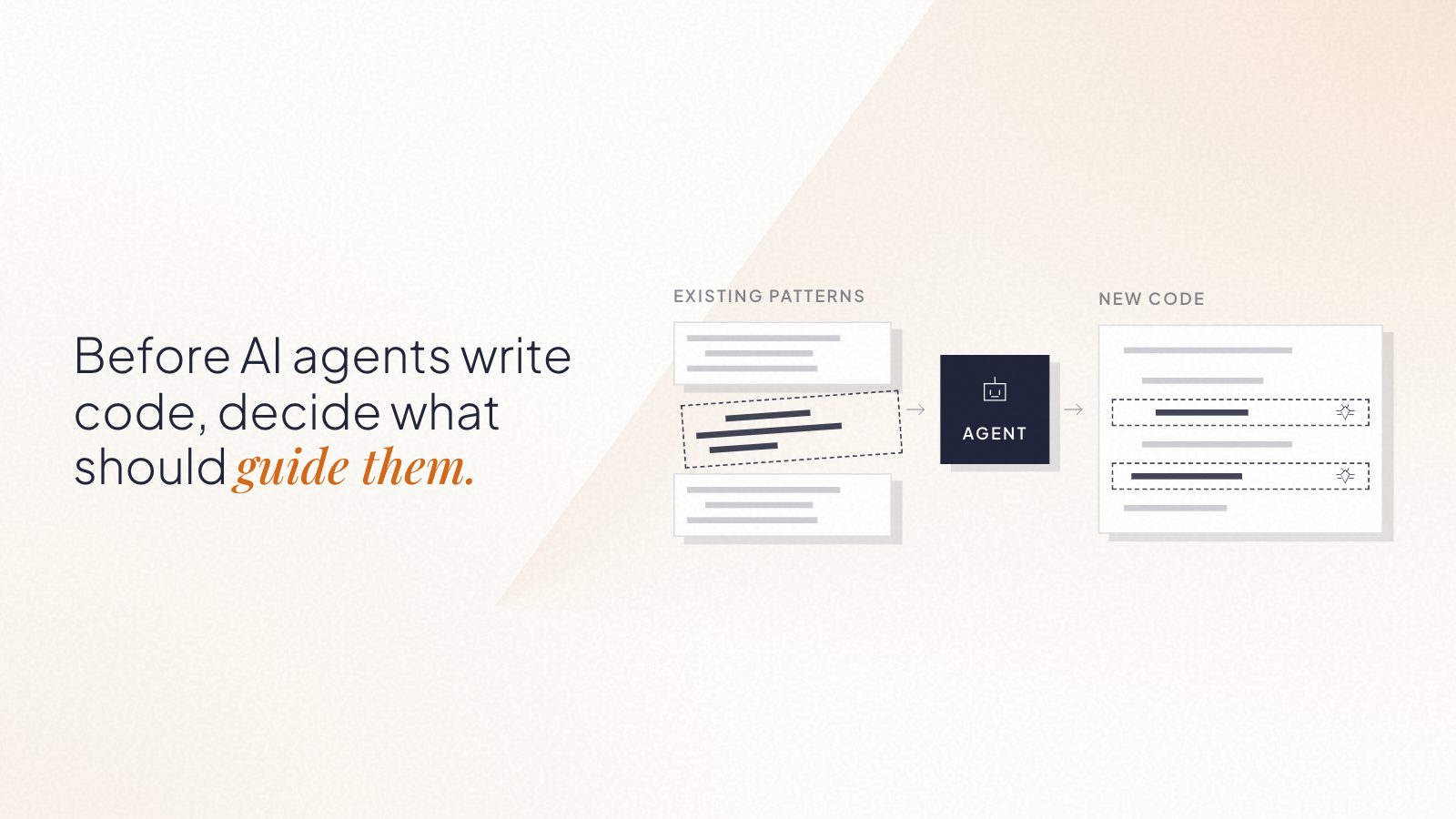
We help define what information AI can access, which actions it can take, when people need to be involved, and how the product should handle incomplete or incorrect answers.
What this means for our clients
Whether you're building a new product, improving an existing platform, or modernizing software, AI creates opportunities worth exploring. Your product doesn't need an AI feature for your team to benefit from AI-assisted development.
Here's how we can help.
Test ideas earlier. AI-assisted prototyping and design exploration can help your team review ideas sooner. You can identify usability issues, gather feedback, and decide what's worth building before committing to a full implementation.
Find where AI fits your project. Not every workflow needs AI, and results depend on your systems, requirements, and team. We help you identify specific opportunities, test them, and decide whether the improvement justifies further investment.
Turn promising ideas into working software. A successful experiment is a starting point. We support the design, integration, testing, and engineering work needed to make software reliable, secure, and maintainable.
Our certification marks progress in developing the skills behind this work. What matters for clients is how we put those skills to use.
Services built around those needs
Your team may have useful information spread across applications, databases, and internal systems. Finding an answer often means searching through several tools. Our Custom MCP Connector service helps connect those systems to AI tools such as Claude, so users can find approved information without navigating every system separately.
Some processes involve the same steps every time: reading a request, gathering information, and deciding what happens next. Our AI Agents service helps identify which parts of those processes AI can handle. We define the task's boundaries with your team, including which tools the agent can use and which decisions require human approval.
A prototype can show that an idea works. Making it reliable enough for everyday use requires more work. Our Prototype to Production service helps your team take an existing prototype further, addressing how it connects with your systems and what it needs to run reliably. That includes defining expected behavior, improving code quality, addressing security, preparing deployment, and planning maintenance.
Where to start
Start with a change worth making.
Choose one workflow or product need. Identify what takes time, where information is difficult to access, or what prevents users from completing a task.
Then define what an improvement should accomplish.
That might mean less time searching for information, fewer manual handoffs, or a task users can complete with less assistance.
Start small, evaluate the whole workflow, and use the results to decide what comes next.
If you have a process you'd like to improve or a prototype you're ready to take further, get in touch. We can help you identify the next step and what it needs to prove.