













·
Oct 23, 2026
How a design system lets Marketing and Product teams use AI to build on-brand prototypes, based on Kaizen’s own experience and turnaround numbers.

12 read time
AI makes it easier for more people across a company to create a first visual version without relying on Design for every step.
Marketing can generate campaign assets. Product managers can turn ideas into prototypes. Teams can make an idea visible earlier in the process.
That creates a new design problem.
If more people can create, how do you make sure the output still reflects the decisions Design has already made about hierarchy, typography, spacing, composition, and brand?
A design system can help.
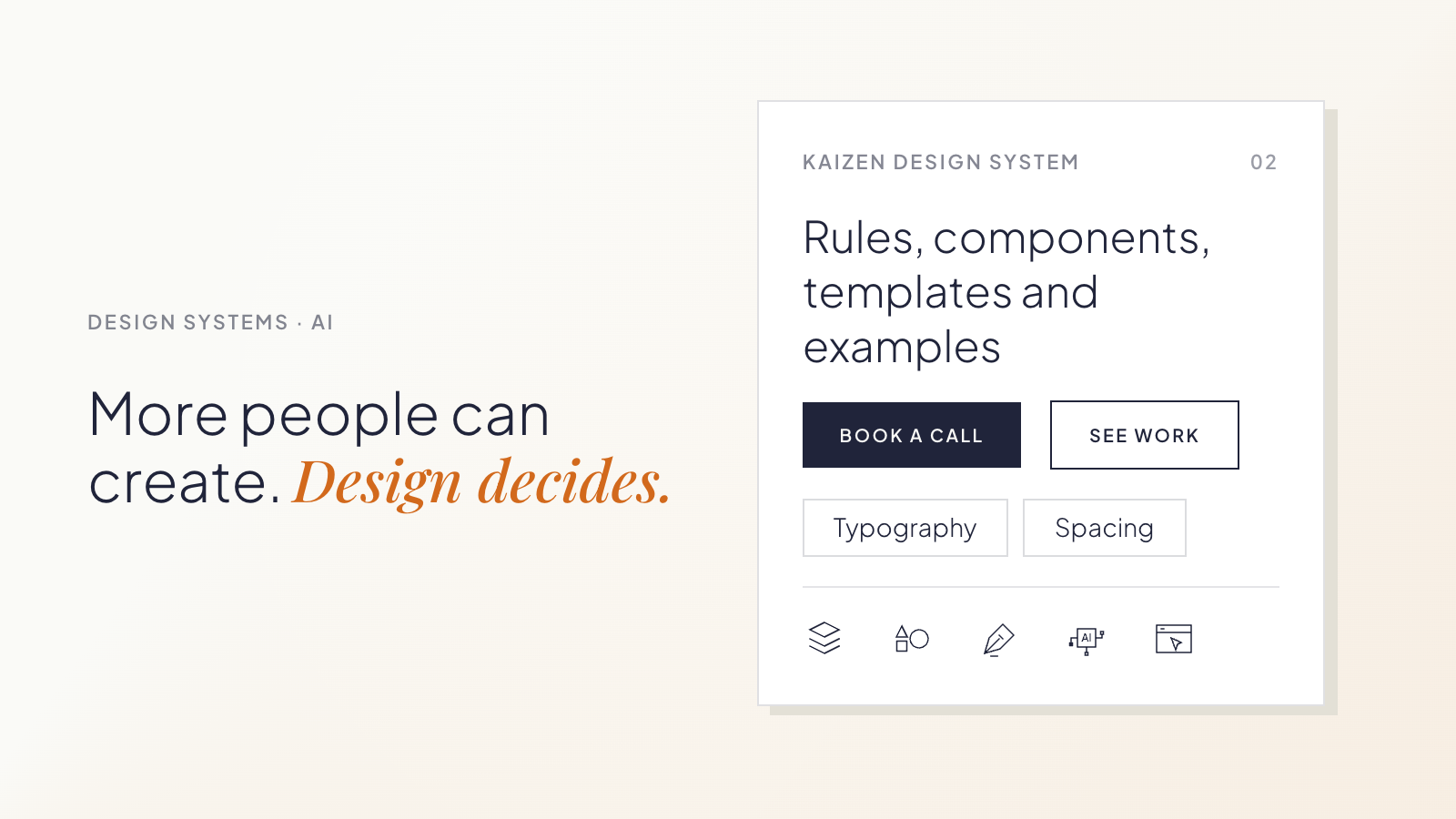
When its rules, components, templates, and examples are available to AI tools, other teams can create within boundaries Design has already defined.
Design does not have to build every first version. It can focus on reviewing important decisions and improving the system when recurring problems appear.
A design system can carry judgment beyond the Design team
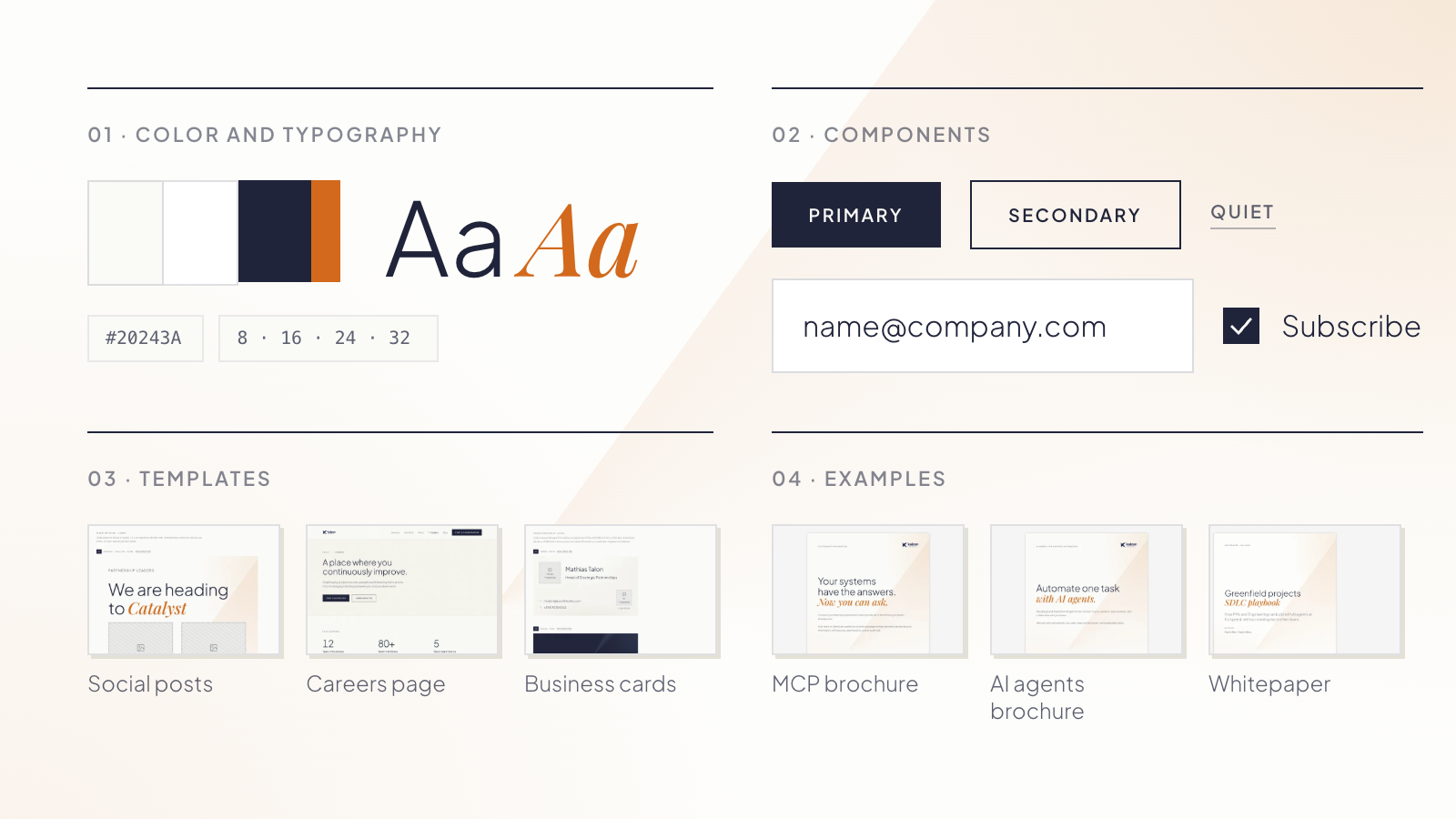
A design system gives teams shared rules for creating consistent work.
It can define:
- Color, typography, spacing, and composition.
- Components and how they behave.
- Templates for recurring layouts.
- Examples that show how those decisions work together.
That context is useful for AI too.
Without it, someone creating a page, presentation, or social post has to explain what “on brand” or “well designed” means in a prompt.
With a design system, many of those decisions are already documented. AI has a reference for how content should be structured, which components belong together, and what kinds of compositions fit the brand.
Teams get a starting point that is closer to the company’s existing visual language without having to describe it from scratch.
What this can look like across teams
Marketing can create recurring assets with less production dependency
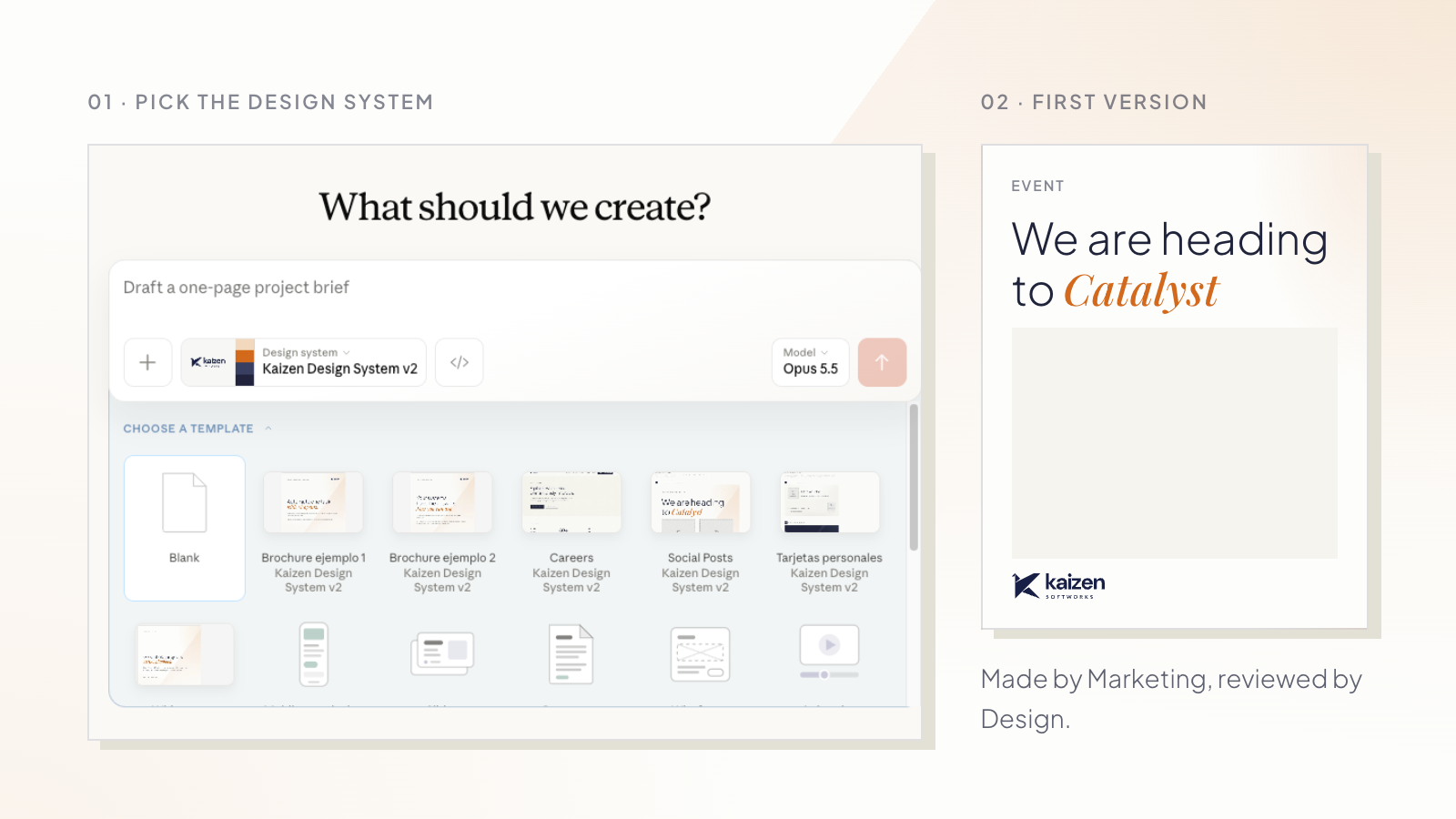
Marketing often works with recurring formats such as social posts, campaign pages, and event assets.
Templates can give the team enough structure to create a usable first version independently. A social template, for example, can define typography, spacing, image treatment, and composition while leaving room for the content to change.
Design can then focus its review on the decisions that need attention.
Product teams can make ideas visible earlier
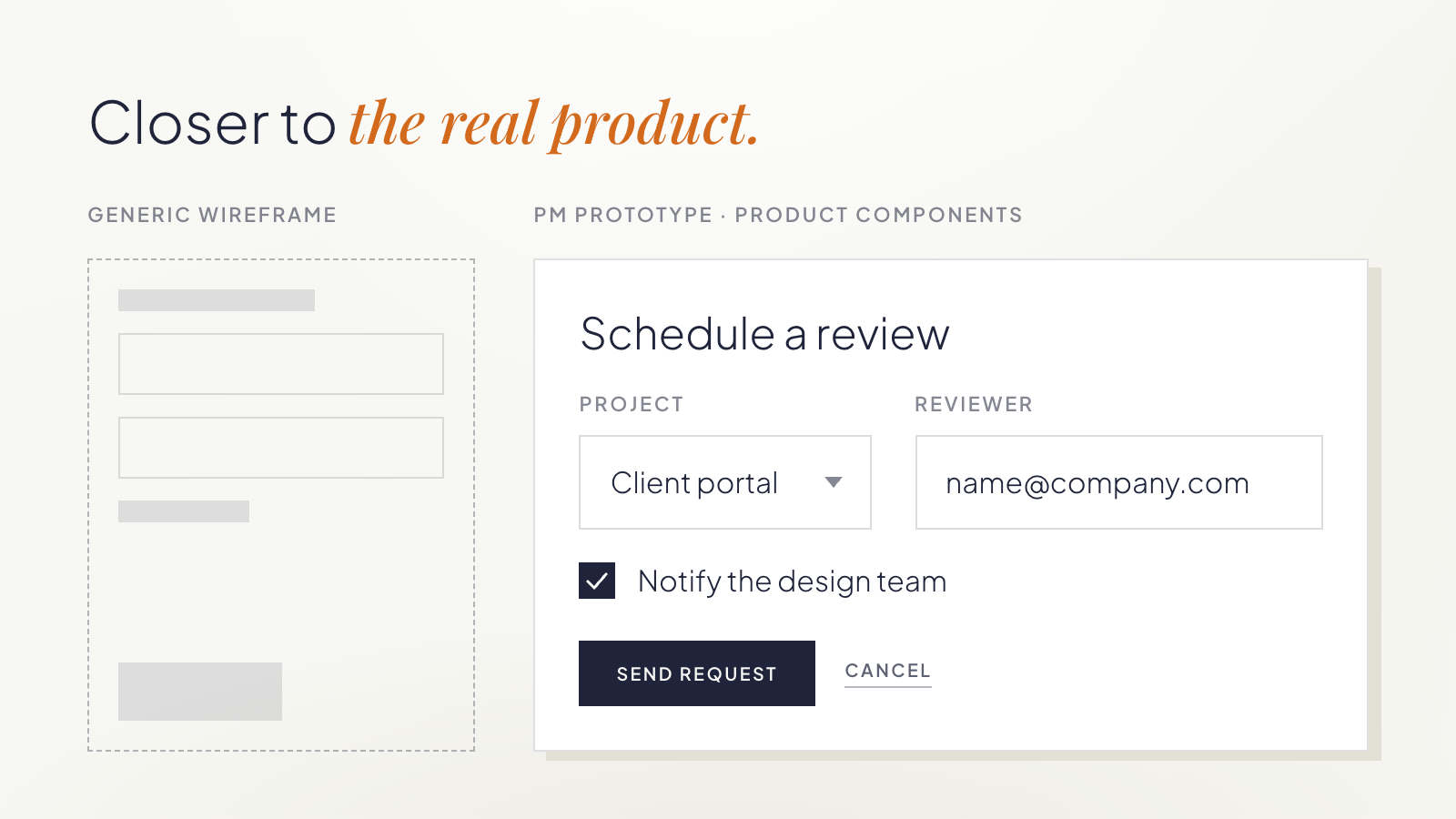
Product managers often need something visual before they need production-ready design.
If an AI tool has access to the same components and rules the product already uses, a PM can create a rough prototype that is closer to the real product than a generic wireframe.
The prototype is not a design direction by itself. It gives Product and Design something concrete to discuss.
Instead of spending time explaining what an idea might look like, they can focus on whether the flow makes sense, what needs to change, and where deeper design work is needed.
Generated work can show where the system is weak
AI does not only use the design system. Its output can also reveal where the system needs more guidance.
We saw this while using our own design system with AI at Kaizen.
Our Design team created the system while redesigning the Kaizen website. It documented the site’s colors, typography, composition rules, components, and templates. Marketing later began using that same system with AI to create website prototypes and social content.
One pattern kept appearing.
The AI put almost everything inside boxes.
Text, images, and entire sections appeared inside containers, even when a more open composition would have worked better.
Design reviewed the source material and found that many of the examples and rules leaned toward contained compositions. The AI was reproducing the patterns it had been given.
The team added guidance and examples for other layout approaches. The generated work became more varied and used more open compositions.
Instead of correcting the same problem in each new asset, the team improved the guidance that influenced future outputs.
That is one of the useful side effects of this process: recurring corrections can point to gaps in the system itself.
Autonomy still needs boundaries
Giving more people the ability to create does not mean every deliverable should follow the same workflow.
A recurring social post built from an established template may only need a quick review. A new product workflow may need much more involvement from Product and Design before anyone treats the prototype as a direction.
Teams can start by agreeing on three things:
What can teams create independently?
Identify recurring formats where the main design decisions are already understood.
What needs Design review?
Decide which outputs need a light check and which need deeper involvement.
What should go back into the system?
When the same correction happens repeatedly, update the shared rule, component, template, or example.
These boundaries make it clear where teams can move independently and where Design’s judgment is still needed.
What this changed for us at Kaizen
Before introducing this process, a LinkedIn visual could take more than two weeks from request to delivery once other priorities, coordination, review, and revisions were included.
We now estimate that a similar piece can move from copy to something ready to publish in about one afternoon.
For website work, a process that previously took around two weeks can now start with a Marketing-generated prototype in about two days, followed by roughly two days of Design refinement and production.
These are elapsed turnaround estimates, not active design hours. Reusable templates, the design system, clearer responsibilities, and the review process all contribute to the difference.
The biggest change is where the work starts.
Marketing can reach a concrete first version sooner. Design can spend more time refining important decisions and improving the system that will influence the next piece too.
For teams exploring this approach, start with one repeatable format.
Define the rules, examples, and templates needed to create a reasonable first version. Agree on where Design should enter the process. Then pay attention to recurring corrections.
If the same typography, layout, or composition problem keeps appearing, improve the shared guidance instead of fixing the same issue every time.
The goal is to make Design’s decisions reusable while keeping Design involved where its judgment matters most.
If you are working through the same questions, we can help you turn your existing design decisions into practical rules, templates, and review workflows your teams can use with AI.