



Generative UI: what it is, how it works, and when to use it
Generative UI lets AI build the screen each user needs, in real time. What it is, how it works, the trade-offs, and two working demos we built.

12 min read
Read more
Insights, stories, and experiments from our team.
AI
UX Design
Generative UI lets AI build the screen each user needs, in real time. What it is, how it works, the trade-offs, and two working demos we built.

Santiago Chiappa
·

Jul 17, 2026
·
12 min read
Generative UI is a full-stack architecture that lets AI create, modify, and render user interfaces in real time, based on what each user needs at that exact moment. Instead of static, predefined screens, the interface assembles itself on the fly: a bar chart, a table, a comparison card when you're comparing things.
We've been building proofs of concept with it for the past few weeks. Most of what's written about generative UI is either too abstract or too exciting, so this is our attempt at neither: what it is, how it works, where it helps, where it doesn't, and what we learned from two demos we built.
Generative UI is a full-stack architecture: the backend talks to the LLM, decides what the answer should look like, and picks the components, while the frontend renders them and handles how the user interacts with what’s on screen.
Compare that with how interfaces have always worked. A designer decides what goes on each screen, a developer builds it, and every user sees the same thing. Forever, or until the next redesign.
Generative UI flips that. The interface becomes dynamic and personal instead of static and universal. The AI doesn't just answer your question, it designs the screen that answers your question.
Dashboards and reporting are the most common use cases, but they're far from the only one. The same pattern works for dynamic forms, onboarding flows, and customer support, as it takes input just as easily as it presents output. It can even adjust font size, contrast, or layout for users with low vision, color blindness, or cognitive load.
There are three levels of generative UI, from most constrained to most open (Google Cloud, 2026):
Most production systems today use the declarative approach, and that's what this post assumes from here on. The AI isn't writing HTML or CSS freestyle. It selects components, fills in pre-designed widgets, and composes them into the right screen.
Generative UI works by turning a user request into structured data that describes an interface, then rendering that data as real components. The flow looks like this:
To the user, the result feels like magic. Behind the scenes, it's structured data flowing through a well-defined pipeline. We prefer the second description. It's the one you can build on.
Generative UI trades real personalization and faster development for added latency, inference costs, and less predictable layouts. That's the honest version. Here are the details.
None of these are dealbreakers. There are known techniques to mitigate each one.
We built two demos. One with fictional data, one on top of a tool we use every day.
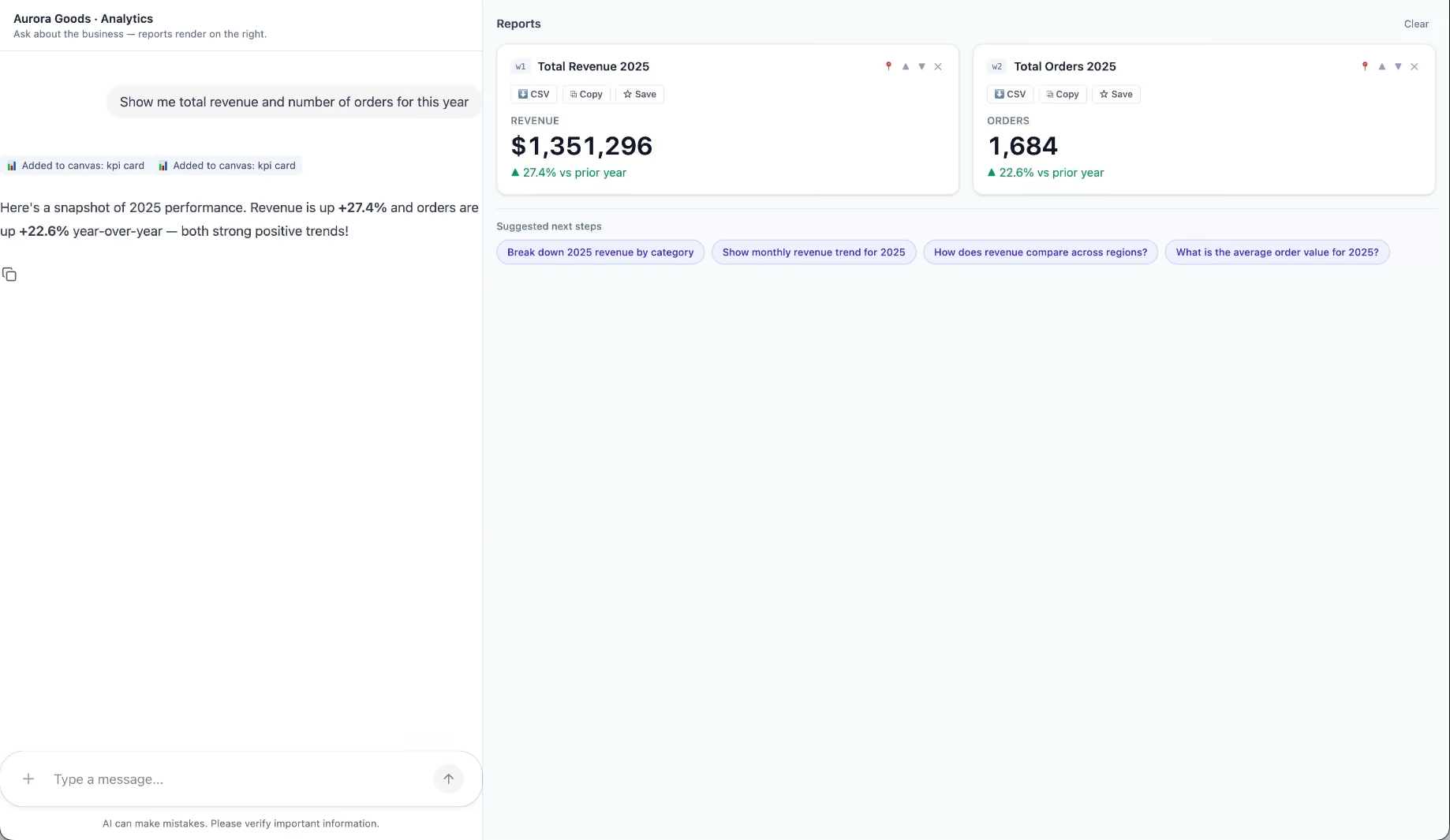
Aurora Goods is a fictional consumer e-commerce platform we created for the demo. The interface is simple: chat on the left, canvas on the right. You ask about the business, the LLM figures out what you need, pulls the data, and renders it visually.
Ask about 2025 sales and it shows the numbers on cards, with a short note on anything relevant. Ask it to break that down by region and it extends the same view instead of starting over, because it understands the second question builds on the first. This part took us a while to get right, and it's what makes the whole thing feel like a conversation rather than a search box.
The canvas isn't output-only either. You can click into any element and drill down: revenue by category, then inside electronics, then which products sold most.
You configure the widgets once. The system combines them and adds relevant commentary on the spot.
The second demo is closer to home: a generative reporting layer on top of the time-tracking tool we use every day at Kaizen. The questions in this demo are questions someone here has actually asked.
Instead of building dozens of hyper-specific reports, a small amount of code now handles virtually unlimited queries. How many hours were logged in May? Which anomalies showed up in April? How do billable and non-billable hours compare across two months? Who worked on a given project last month, and for how long? Each answer arrives as the right visualization: cards, lists, bar charts, plus a short summary that's easy to scan.
Two details won us over. The LLM suggests next steps, so exploring the data becomes a conversation. And when it's not sure, it asks instead of assuming. Ask for the hours of someone named Alex and, since we have more than one Alex on the team, it asks which one before answering.
Generative UI is a complement, not a replacement. Standard interfaces still win for stable, repetitive workflows where consistency matters. Nobody wants their checkout button to be creative. Generative UI wins where the workflow is complex and the questions are unpredictable.
It also changes what design systems are for. Beyond designing components and screens, teams will need to define semantic rules: how the AI should react to uncertainty, which interfaces match which intentions, and the guardrails that keep generated screens functional and safe.
That's a new kind of design work. And it's already starting.
We build working proofs of concept in two weeks. Your data, your workflows, a real thing you can click.
Generative UI lets AI build the screen each user needs, in real time. What it is, how it works, the trade-offs, and two working demos we built.
12 min read
Events

·
Feb 11, 2026
Not all startup events are worth your time. These are the ones we’d actually consider going to in 2026.
12 read time
This year’s calendar is a strategic mix of high-stakes pitching, specialized AI tracks, and decentralized community "weeks" across the U.S.
We’ve vetted the top conferences for 2026, focusing on investor density and actionable growth sessions.
Silicon Slopes Summit is a four-day tech and startup conference in Salt Lake City that brings together more than 30,000 founders, executives, investors, and builders. The 2026 edition marks the event’s 10th anniversary.
The program combines talks, panels, and small-group gatherings focused on practical conversations and peer connections. Attendees can access networking cafés, curated lounges, and invite-only meetups designed to make it easier to connect with people working on similar problems.
Outside scheduled sessions, the event includes city-wide activities such as live music, performances, pickleball tournaments, and interactive installations, creating informal spaces for conversation and downtime.

TechCon Global runs a series of conferences across the U.S. for post-seed startups or teams preparing for Series A.
Through the Startup Innovation Showcase, founders get a high-stakes platform to pitch live. Finalists receive a dedicated demo booth and direct access to over 100 investors and 50 strategic partners, designed to move startups straight into serious funding and partnership conversations. There’s also room for students and early-career builders to learn, connect, and get closer to the ecosystem.
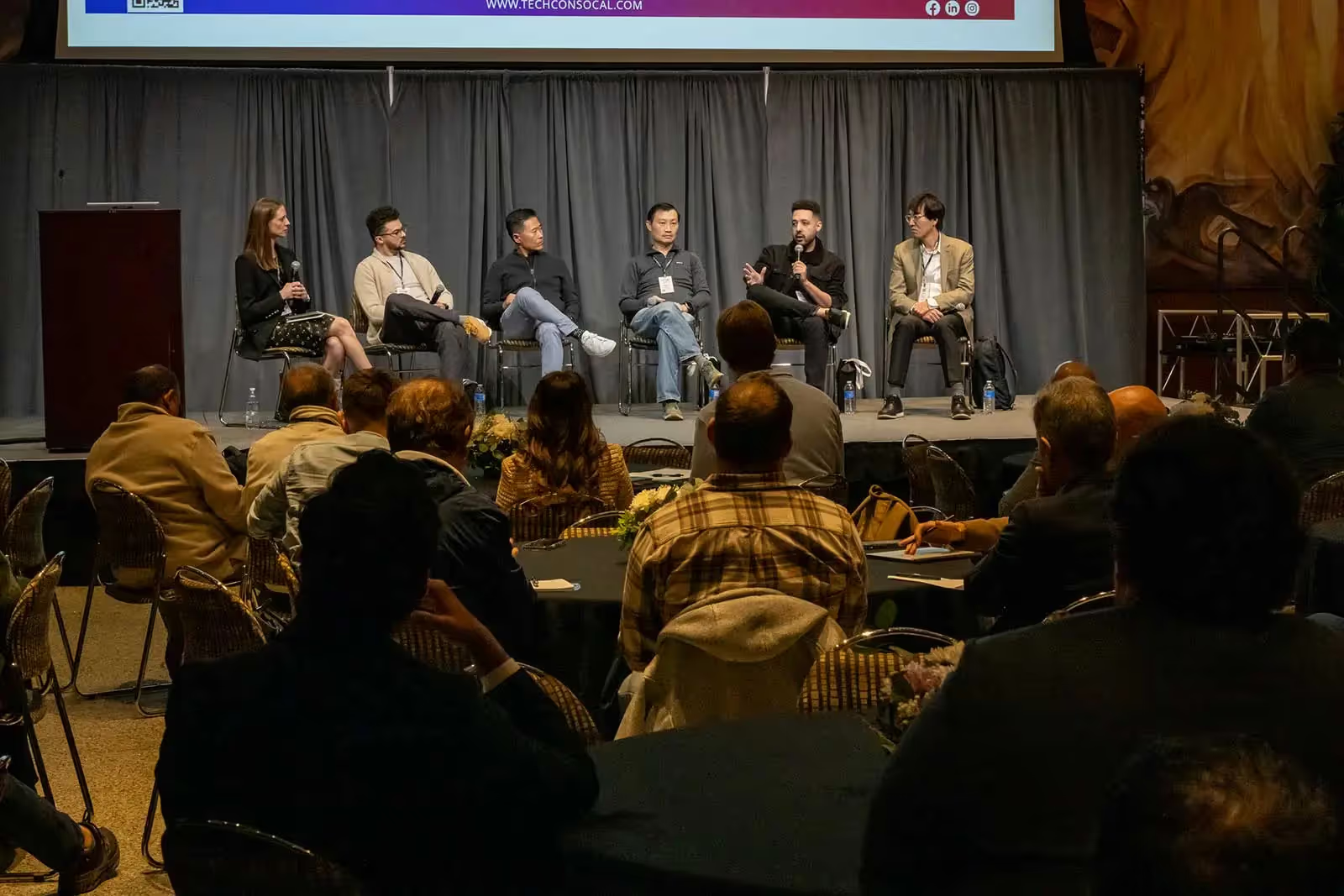
Transform 2026 is the premier conference focused on the intersection of AI, technology, and the future of work, designed for leaders to build people-first organizations, drive, and actionable, measurable AI strategies.
With around 4,000 attendees and a community-driven format, the event looks for conversations and shared learning. Early-stage founders also have a place through Pitch the Future, a live startup pitch competition with a $50,000 prize.

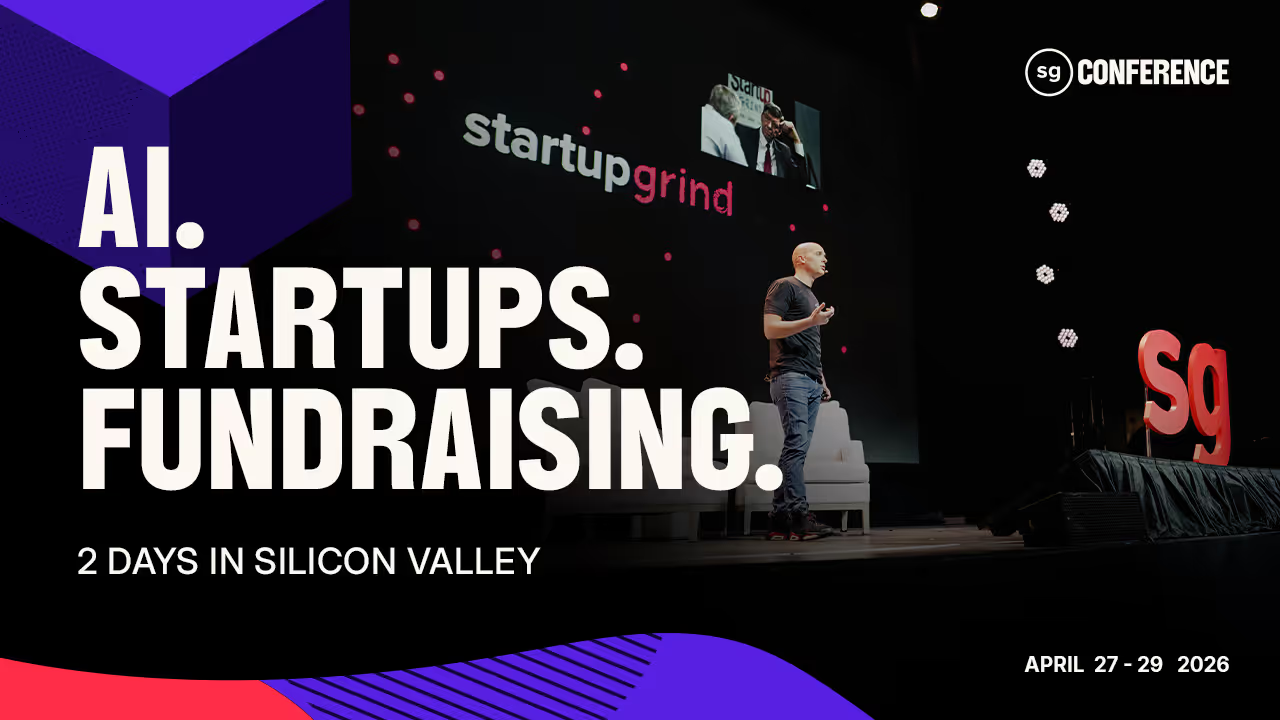
Startup Grind Conference is a three-day tech and startup event held in Silicon Valley, with more than 5,000 attendees. It’s one of the longest-running tech conferences in Silicon Valley.
The agenda includes hands-on sessions, pitch opportunities, and structured ways to meet the organizations that run startup programs, build partnerships, and support founders. Attendees can talk directly with these teams to understand what they offer and whether it’s relevant to their stage.

Techstars Startup Weekend Boston is a three-day event designed to move an idea from concept to prototype. In just 54 hours, participants experience the full lifecycle of a startup: pitching, team formation, customer validation, and a final presentation to a panel of judges.
The Boston edition is back for its 4th year, specifically targeting the city's unique density of technical talent and academic innovators.
While the Boston flagship is a major highlight, Techstars Startup Weekend is a global phenomenon hosted in hundreds of cities worldwide each year. In 2026, the movement continues to scale, with upcoming editions in innovation hubs like Madrid, Riyadh, Hyderabad, and Zurich.
Notably, every March, Techstars mobilizes its community for the Startup Weekend Women initiative, with over 40 cities, from San Diego to Istanbul, hosting events simultaneously to empower female-led ventures and technologists.
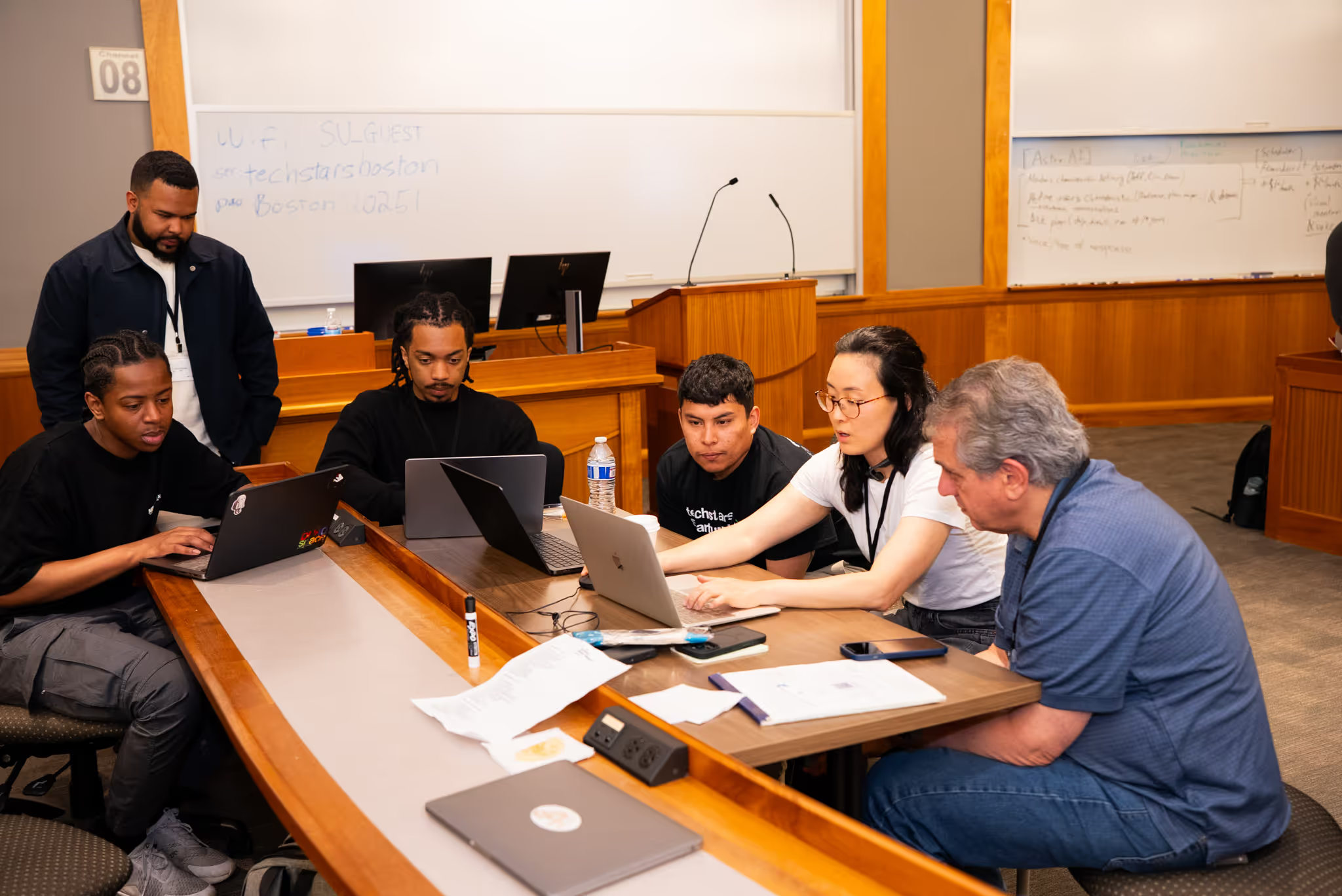
Tech Week skips the traditional conference setup. It’s a decentralized series of events with no single stage or fixed agenda. Instead, the city becomes the venue, hosting hundreds of independently run events over the course of a week.
Topics range from AI and infrastructure to crypto, security, space, and capital strategy. It’s a good match for pre-seed and seed-stage startups looking to connect with investors and plug into the local tech ecosystem.

With more than 1,100 founders and investors attending, this is a perfect fit for founders who are just starting. At the TechCrunch Founder Summit you’ll hear stories from experienced startup leaders, their journeys, lessons learned, and what they wish they’d known earlier.
Sessions are practical and hands-on, covering topics like hiring your first employees, handling legal and financial decisions, and setting up your go-to-market as you start to scale.
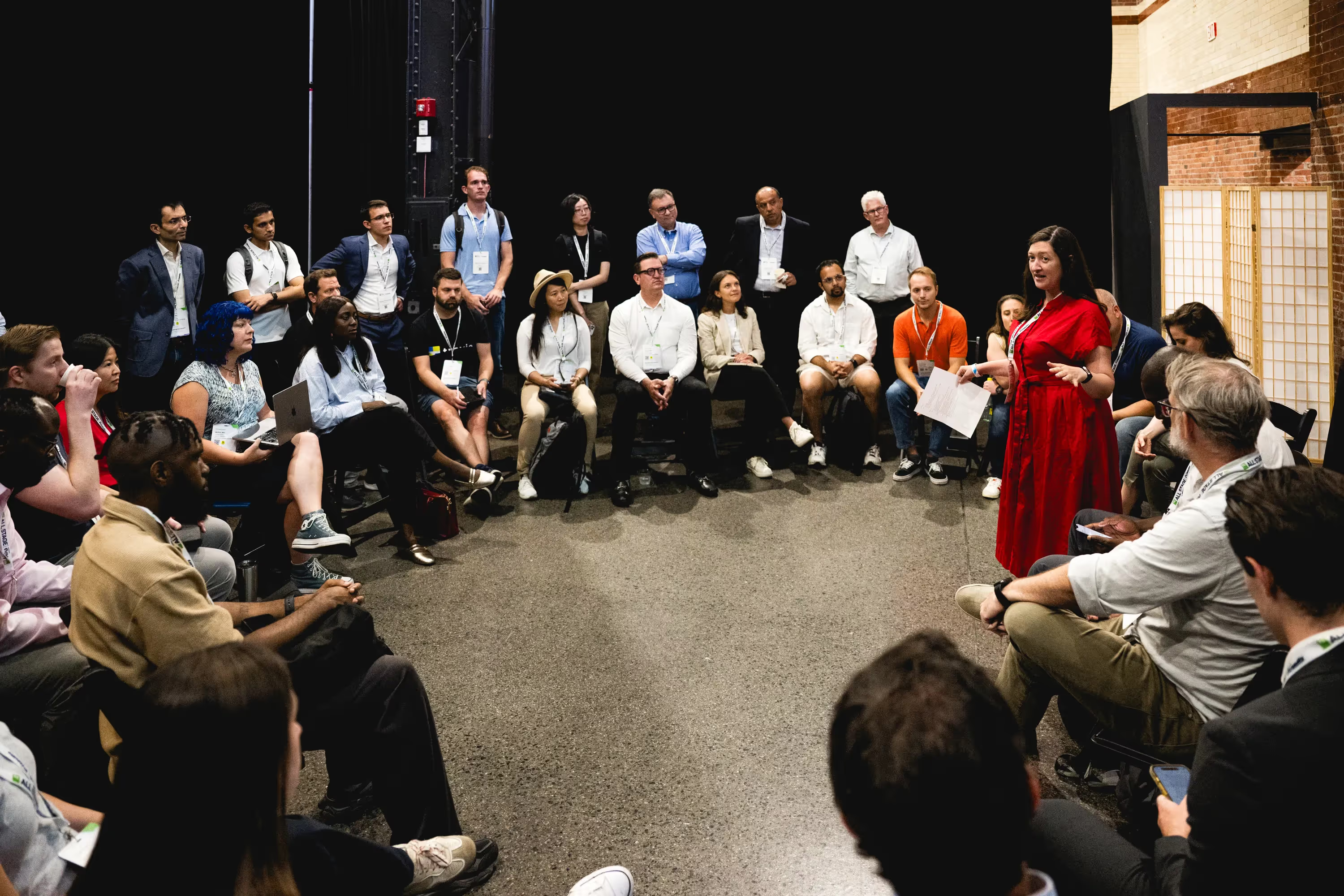
Startup Boston Week is a five-day event that brings together the New England startup community. Founders, operators, investors, students, and ecosystem builders come together to learn from each other, share real experiences, and make meaningful connections.
Every September, thousands of people attend over 100 free sessions, panels, and networking events and 300 speakers. It’s an easy place to meet people, exchange perspectives, and spark partnerships without the usual conference barriers.
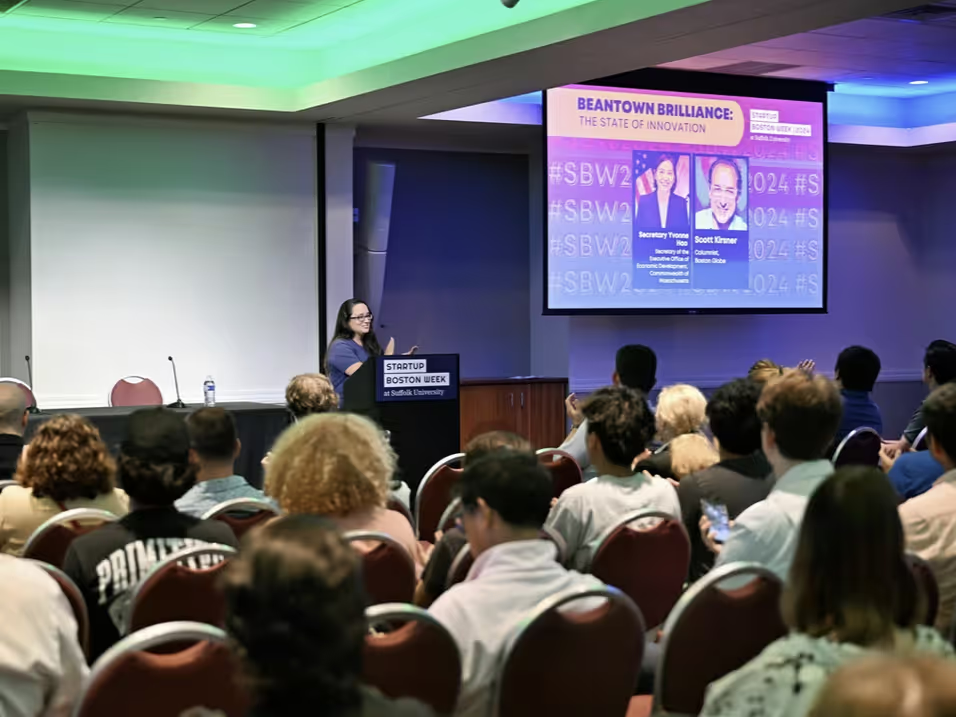
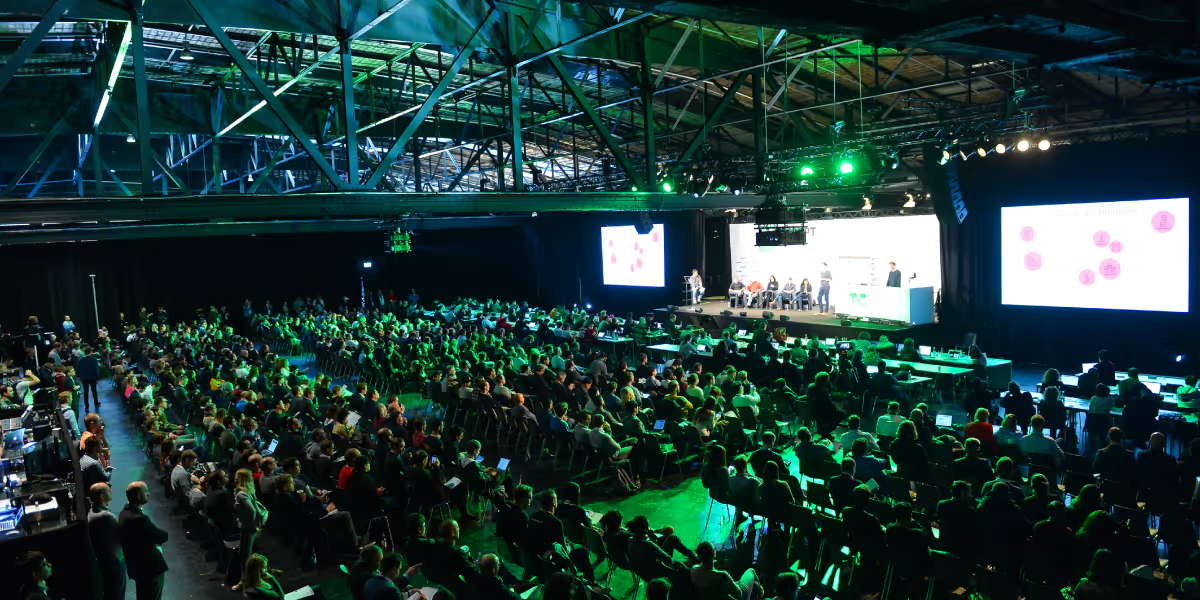
TechCrunch Disrupt is one of the biggest events of the year, with more than 10,000 founders and investors over three days. It’s built to be useful no matter what stage you’re at, from early ideas to companies preparing to scale.
Disrupt stands out for the Startup Battlefield 200. Thousands of startups apply, and only 200 make it to the stage. The winner takes home $100,000 in equity-free funding, along with global exposure and direct access to top-tier investors.

Events

·
Jan 28, 2026
At SMC³ JumpStart 2026, logistics leaders moved past AI hype and focused on what it takes to turn automation into real operations.
12 read time
The logistics industry has moved past the "testing" phase of digital transformation. At SMC³ JumpStart 2026 in Atlanta (Jan 26–28), the focus has shifted toward integrating autonomous systems and AI into standard operating procedures.
This is my second year in a row attending with the Kaizen Softworks team, and the evolution over the last twelve months is a clear progression. In 2025, the industry was largely discussing potential; this year, the focus is on implementing results.
For leadership at 3PLs, carriers, and shippers, these three areas represent the most significant changes in the 2026 landscape.
In the session "2026: The Year AI Goes Full Throttle," experts from ArcBest, Estes Express Lines, and Augment demonstrated that AI is moving from a static tool to a functional layer that manages network flow. We are seeing a rise in algorithmic pricing and AI assistants capable of routing and optimizing shipments with minimal manual intervention.
The Less-than-Truckload (LTL) sector remains the primary focus of the domestic supply chain. With leadership from Knight-Swift, XPO, and ArcBest presenting, the focus for 2026 is on protecting margins through better data visibility.
Industry leaders are analyzing "The Balance Sheet" to track how shipper sentiment and economic signals are evolving. In a volatile market, profitability depends on turning raw data into actionable revenue models. Custom API integrations and real-time data accuracy are no longer optional; they are now the baseline for any carrier or 3PL looking to maintain a healthy operating ratio.
While technology provides the engine, leadership provides the direction. Keynote speaker Peter Sheahan challenged the industry to "get bigger by getting better" by focusing on high-value problem solving.
This aligns with the financial discipline emphasized by David Morris (CFO, Armstrong Transport Group), who highlighted the necessity of using advanced data analysis to navigate market volatility. Leadership in 2026 requires a clear-eyed assessment of organizational readiness. It is about assuming ownership of the alignment necessary to move away from mundane execution toward work that actually improves profitability and resilience.
.avif)
AI

·
Jan 26, 2026
We needed a better way to handle internal workflows, so we built FormBot. Here’s how it came together.
12 read time
At Kaizen Softworks, the adoption of AI tools is a central topic. To efficiently manage their usage and licensing requests, we created an internal form. However, the classic problem with this type of workflow is misalignment. Collaborators often have very specific questions about internal policies or need to validate their use cases against documentation that is scattered across various drives or wikis.
The goal was to prevent team leaders from becoming the "human knowledge base" for every request, which creates a bottleneck. We needed a conversational AI assistant that could combine the answers from a form with dynamic knowledge, delivering accurate and verifiable responses. This is where FormBot was born.
At a high level, FormBot is a solution that integrates a multi-step form with an accompanying chat assistant. The user interacts with a dual interface: while completing the form fields, they can converse with a bot to resolve questions in real time.
The experience is centered on two key capabilities:
When handling internal documents from different users and teams, knowledge isolation is a non-negotiable requirement. A user who uploads their team's policies must never be able to access or influence the knowledge base of another user who is uploading documentation for a different project.
This need for absolute privacy was the pillar upon which we designed FormBot's entire technical architecture, ensuring that every interaction was completely private and isolated.
To achieve robust data isolation and a fluid experience, we built FormBot on a RAG (Retrieval-Augmented Generation) architecture with a multi-tenant focus.
We selected a set of flexible and powerful tools to bring FormBot to life:
The RAG concept involves using a retriever (in our case, Pinecone) to fetch relevant data from a knowledge base before sending the question to the LLM. This ensures that the answers are based on verifiable information and not on the model's general knowledge.
To guarantee privacy, we implemented a total isolation process using Pinecone's Namespaces. Here is how it works:
"On the fly" indexing means the bot learns instantly from the knowledge the user provides at the moment they are completing the form. This is the process that allowed FormBot to go from not knowing what Kaizen Softworks is, to providing a detailed, sourced answer in a matter of seconds.
The flow is as follows:
This dynamic flow is the basis for scaling the solution to other departments like Human Resources or IT Support, where policies and documentation may be specific to a small group of people and change quickly.
Get in Touch to explore how to build privacy-first AI for your organization.

AI
Technology

·
Jan 22, 2026
We went from spreadsheet to working AI vision app faster than expected: here’s how.
12 read time
"What if we could build an app in days instead of weeks, using AI not just as a feature, but as a full-stack development partner?"
That's the question that sparked Super Ultra Kiosco, a proof of concept (POC) that digitized our company's beloved manual snack corner using the latest AI development tools.
We sat down to document exactly how we used tools like Figma MCP (Model Context Protocol) and Vercel AI SDK to build a working product detection system.
In our office, "El Kiosco" is a small corner with snacks, drinks, and other goodies. The system was manual: grab an item, find the shared spreadsheet, and manually log your debt. It was error-prone, tedious, and ripe for modernization.
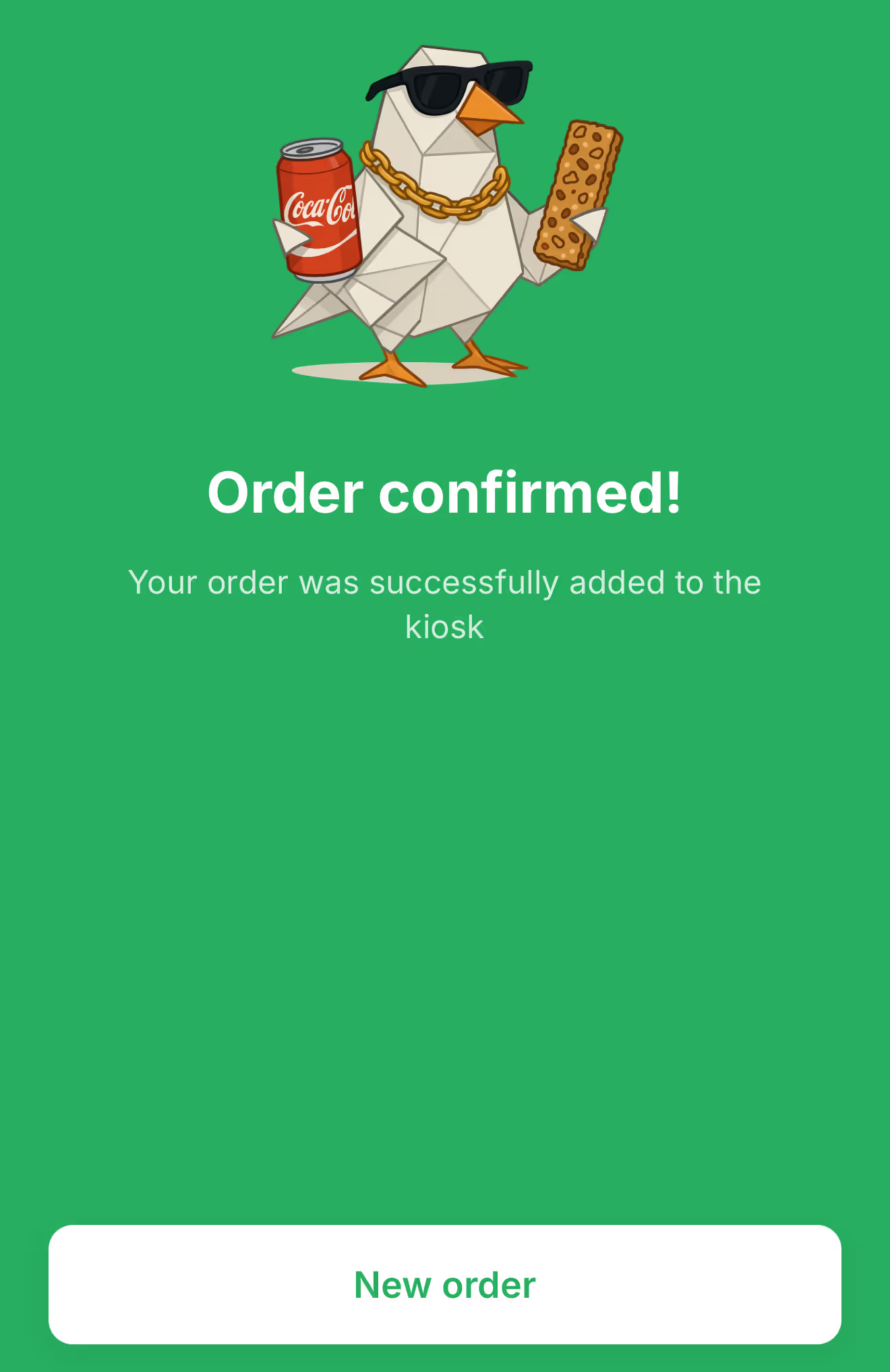
The Solution: A mobile-first web app where you simply point your phone at the snacks. AI identifies the products via camera, calculates the total, and confirms your order with one tap. No spreadsheets, no typing.
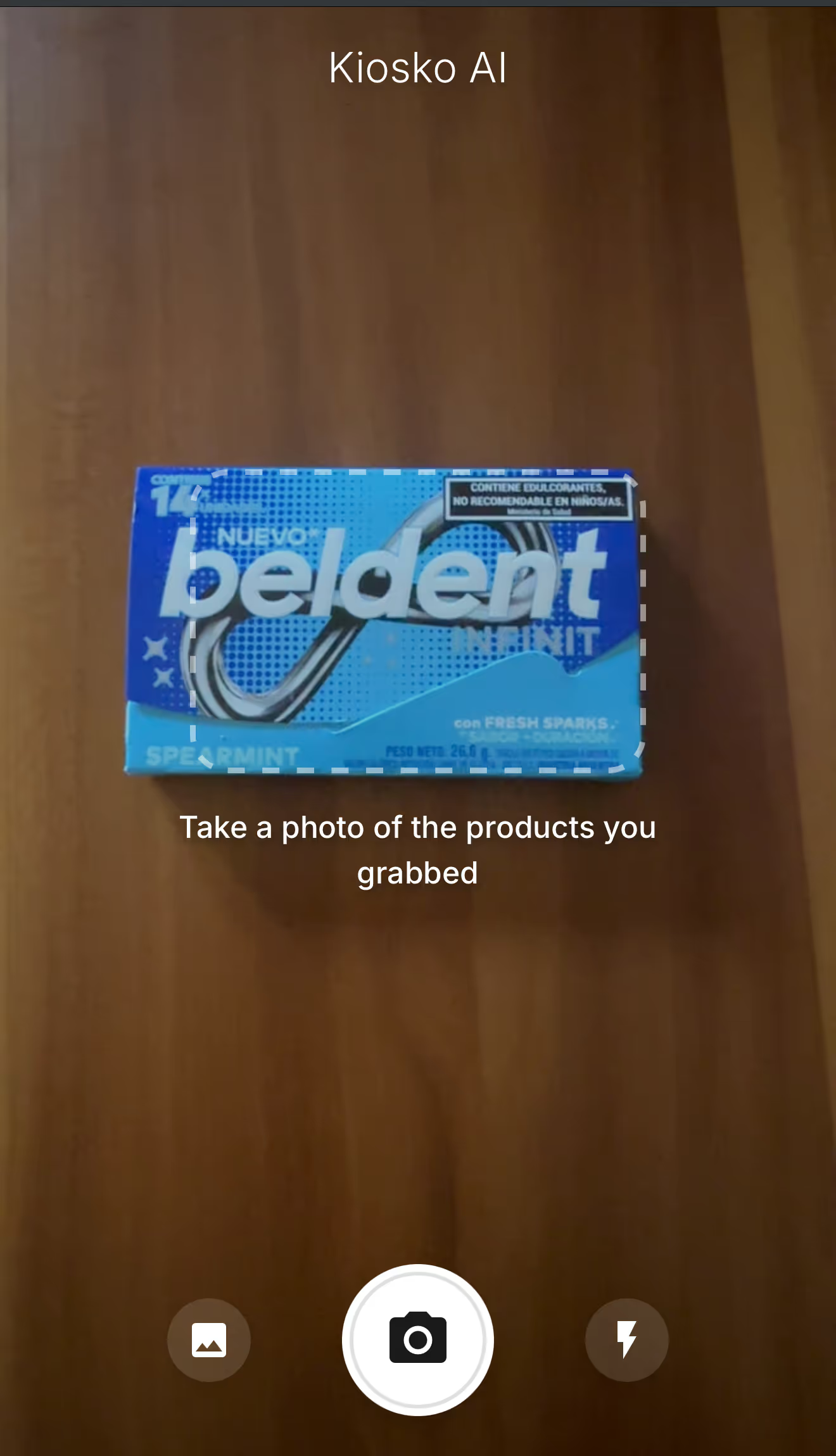
To achieve this, we moved beyond standard web development into an AI-native workflow. Here is the core technology stack:
This combination allowed us to treat the AI as a collaborator that could "see" our designs and "understand" our business logic.
The "magic" of the app is its ability to recognize a bag of chips or a soda can instantly. For this, we used the Vercel AI SDK coupled with Google’s Gemini Vision model.
Traditional AI integrations often struggle with unstructured text responses. We solved this using the SDK's generateObject function. This allows you to define a schema (using Zod) to force the AI to return structured, typed JSON data instead of a conversational string.
Here is the actual implementation code:
JavaScript
const result = await generateObject({
model: google('gemini-2.5-flash'),
messages: [
{
role: 'user',
content: [
{ type: 'text', text: prompt },
{ type: 'image', image }
]
}
],
schema: AnalysisResultSchema,
temperature: 0.1
});
The Trade-off: Using the AI SDK provides incredible flexibility to switch model providers (e.g., swapping Gemini for GPT-4o) without rewriting code. However, if you need bleeding-edge features specific to a provider—like accessing a brand new beta model or a very specific configuration—you might find it limited. You gain high availability of providers, but you might have a smaller pool of models available within each provider compared to using their native SDKs.
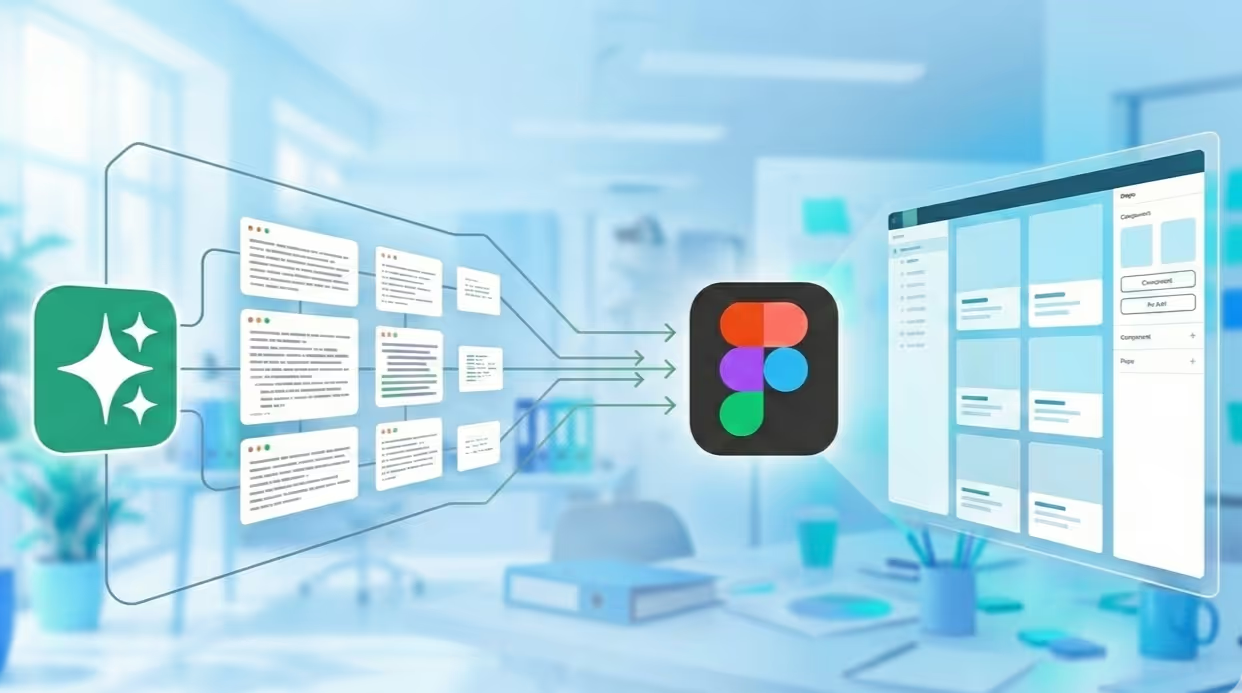
Figma MCP (Model Context Protocol) creates a bridge between your Figma designs and your AI coding assistant (like Windsurf or Cursor).
In technical words, Figma MCP is a standard that connects AI assistants directly to external data sources. The Figma MCP server exposes your actual design files—component properties, layout tokens, and visual hierarchy—as a resource the AI can "read."
Instead of us manually coding CSS from mockups, the workflow looked like this:
Key Learning: While Figma MCP helped us move fast, it wasn't magic. We found that we still had to iterate a few times to match the designs 100%. The AI captures the general structure well, but it can fail on specifics like exact paddings, button states, or color nuances. It gets you very close, but the final polish to ensure the implementation matches the design perfectly still requires a developer's eye.
Building Super Ultra Kiosco validated four core hypotheses about the state of AI development:
Is Figma MCP ready for production apps? It is excellent for rapid prototyping and setting up component libraries. For complex, custom animations or highly specific accessibility requirements, human oversight is still mandatory.
Why use Vercel AI SDK instead of the official Google SDK? For a POC or a multi-model application, Vercel AI SDK offers a unified API that saves significant time. If your app relies 100% on unique, deep features of a single model (like Gemini's 1M context window specific caching), the native SDK might be better.
What is the cost implication of using Vision models for this? Vision models are more expensive than text models. We implemented client-side image compression before sending requests to the API to balance performance and cost.
We'd love to hear about your experience with AI development tools.
AI

·
Jan 22, 2026
Meta-prompting can turn Figma’s AI agent from frustrating trial and error into a clearer, more usable design workflow.
12 read time
"I’m still learning how to integrate these new AI tools into my actual daily workflow." That’s probably one of the phrases every UX designer is repeating right now.
The promise of Figma’s "Prompt to Edit" feature is incredible, but the operational reality can be... different. At first, I struggled to understand how to get real value out of it without feeling like I was wasting time.
This article documents how I transformed a frustrating "trial and error" process into an efficient workflow using a technique called Meta-Prompting.
I started exactly how we all do: typing exactly what I needed directly into the Figma prompt bar.
The real challenge emerged when I tried to iterate. I quickly realized that Figma’s current agent struggles to interpret chained corrections. If I asked it to adjust a specific section, it would often "hallucinate" and alter elements that were already perfect, or the final design would lose visual coherence.
I felt like I was running in circles, spending more energy explaining the changes to the AI than it would have taken to just design them manually. My direct approach wasn't working.
I realized the problem wasn't the tool, but the lack of structure in my request. Figma’s AI needs dense, precise context in a single shot to function effectively.
I decided to test Meta-Prompting.
What is Meta-Prompting in Design? Instead of trying to craft the perfect prompt myself ("User to Tool"), I use a conversational LLM (like Gemini, ChatGPT or Claude) as an intermediary ("User to AI to Tool").
It was a learning process, but the results were immediate. It is far more effective to iterate the text in ChatGPT until the logic is bulletproof, and only then pass it to Figma for clean execution.
There is a second variable in this equation: the quality of your base file. We learned that AI cannot perform magic if the underlying structure is chaotic.
Why? Because the agent finally had solid components (with Auto Layout and properly named variants) to "latch onto." The AI understands logical structures better than loose pixels.
(Technical Note: Even with a good system, we found bugs. For example, the agent still struggles to correctly map FontAwesome icons, often requiring manual adjustment).
If you are struggling with design agents, consider these points:
Is "Prompt to Edit" ready for complex projects? For generating initial structures or rapid variations, yes. For final "pixel-perfect" polish, human oversight is still mandatory.
What is a "One-Shot Prompt"? It is a single instruction that contains all necessary information (style, constraints, content) for the AI to complete the task in one attempt, without needing follow-up questions.
Why use ChatGPT to write Figma prompts? Language Models (LLMs) are better at structuring logic. They ensure your prompt is unambiguous, preventing Figma's agent from misinterpreting your intent.
Have you found a seamless workflow, or are you still in the trial-and-error phase like me?
.avif)
About Us

·
Jan 21, 2026
Code reviews aren’t just checks, they’re how we keep each other sharp.
12 read time
At Kaizen, we don’t believe software quality is enforced by a checklist or a single gatekeeper. It’s something we build together, day in and day out, as a team.
We’ve been working on this platform for years. What started with two developers has grown into a 30+ person team building a large-scale logistics system. And like any growing team, we faced a big question:
How do you keep quality high without turning into a slow, over-regulated machine?
We chose trust over set in stone rules. And in doing so, we learned something simple but powerful: Our strongest safety net isn’t a process. It’s each other.
When systems get complex, legacy code, multiple teams, tight deadlines, it’s tempting to respond with more rules. But heavy oversight kills initiative. Instead of building a team that takes ownership, you get one that’s just trying not to mess up.
We took a different approach. We built a system where quality doesn’t rest on one person, it’s shared, distributed, and reinforced by the people around you.
Code review is just one part of that system, but it’s where this mindset comes to life.
For us, code review isn’t about nitpicking, it’s a technical conversation between teammates.
When I open a PR, I’m not bracing for criticism. I’m inviting collaboration. Together, we’re asking: “Are we solving this clearly, cleanly, and in a way that makes life easier for the next person?”
Code reviews are done by other developers from the same sub-project. That means the person reviewing already has context, and because the reviewer role rotates, everyone gets to both give and receive feedback. It’s collaborative by design, and part of how we grow as a unit.
We review with a few key principles in mind:
We refer to our internal Wiki often, not as a rulebook, but as a shared language.
One of our core beliefs:
“Ownership starts with the person who says it’s done, but quality is everyone’s job.”
We say it often: “The ownership falls mainly on the person who tests it and says it’s okay.”
It’s not about blame. It’s about trusting each dev to be accountable, knowing the team has their back. That shared responsibility creates a culture where people step up, not out of fear, but because they’re supported.
Let’s be honest: we’re human. Not every issue gets caught in review. But that doesn’t break our system, it proves why it works.
Because someone else will catch it later. And when they do, they won’t ignore it, they’ll flag it, fix it, and keep moving.
We log cleanup tasks in our tech debt backlog. It’s not a black hole, it’s a to-do list for continuous improvement. A way to keep tightening the net.
In our team, code review it’s where learning happens.
New devs get real-time, contextual feedback. Seniors reflect on their habits. We share ideas, challenge each other, and improve as a unit. It’s ongoing, hands-on knowledge transfer, baked into the flow of work.
We don’t trust the code because it’s perfect. We trust it because of how it’s built:
by a team that shows up, collaborates, and looks out for each other.
Our confidence doesn’t come from tools or top-down rules. It comes from people who care. People who ask questions, challenge decisions, and leave the codebase better than they found it.
The team is the system. The team is the process. The team is the safety net.
And when that’s in place, you can scale without fear.
.avif)
AI

·
Dec 1, 2025
We asked a developer what it’s really like using AI tools daily: the good, the bad, and what no one talks about.
12 read time
"Stack Overflow on steroids." That’s the best way to describe it. But is AI the ultimate productivity hack, or just a faster way to create complex code? From parsing tricky regex in seconds to figuring out how much context to feed the bot, integrating these tools is a skill we are all learning in real-time.
I sat down (virtually) to discuss the art of prompt engineering and the nuances of relying on generated solutions. We dive into why using AI effectively isn't just about getting answers, it's about knowing how to ask the right questions to build better, sustainable software.
*Note: This interview with Dan was conducted by Claude, an AI assistant. Yes, the irony of using AI to discuss using AI is not lost on us.*
"Stack Overflow on steroids" - honestly, that's what it is for me. It's like having that incredibly knowledgeable senior developer available 24/7, but you need to know how to talk to them.
For quick, isolated problems, it's incredible. Need to parse a tricky regex? Convert between date formats? Understand an error message? Just ask. No context needed, instant answer. These small, specific queries are where AI shines brightest with minimal effort.
The big challenge is context, especially for larger projects. That's where things get interesting - and harder.
My initial approach was exhausting. I'd dump everything into the prompt: "Here's my entire file structure, here's the relevant code, here's what I'm trying to do..." I'd spend 10 minutes crafting a prompt, constantly worried I'd forget some crucial detail. It worked, but it was draining.
A fellow developer showed me a completely different approach: let the AI build its own context through questions. Instead of front-loading everything, you start with something simple like "I need to add authentication to my Express app," and the AI asks what it needs to know - what auth strategy, existing middleware, whatever. The conversation naturally builds the needed context. You only provide what's actually relevant.
Honestly? I'm still figuring it out. The truth is, I still struggle with prompt engineering. For larger features or refactors, I haven't found the perfect workflow. Sometimes the "let AI ask questions" approach works great. Other times, I need to provide upfront context. It really depends on the complexity and how well I can articulate what I need.
Because it's not about getting complete solutions - it's about changing how I problem-solve. It's like having a knowledgeable pair programmer who's always available. The skill isn't in knowing everything anymore; it's in knowing what questions to ask and when to ask them.
It's wild, honestly. I've seen colleagues build entire projects from scratch in just days, even hours. I've also seen someone migrate a whole Angular project to a newer technology without writing a single line of code themselves. It sounds amazing, right?
But here's the catch - if you don't review what AI generates carefully, you can accumulate massive technical debt. The code works, sure, but it might not follow your team's patterns, might have hidden performance issues, or make architectural decisions that don't fit your specific needs. AI can move fast, but someone still needs to be the critical reviewer.
I'm still learning, we all are. The tools are evolving, and so is my approach to using them. But one thing's clear: understanding how to interact with AI is becoming as important as understanding the code itself. It's a skill we're all developing in real-time.
.avif)
About Us
·
Dec 1, 2025
As the team grows, keeping quality high gets harder. This is how code reviews help us do it.
12 read time
I’ve been on this project for years. I was here when "the team" was just two developers in a room, and I'm here now as part of a 30+ person force building a critical logistics platform for our client.
Most stories about scaling a dev team are war stories. They’re all about shipping fast, racking up technical debt, and eventually having to rewrite the whole thing from scratch. Ours is different. It’s about how a deliberate (some might say stubborn) commitment to code quality from day one helped us grow without burning ourselves later.
When Kaizen joined this project, we weren't starting with a blank slate. We were tasked with merging and modernizing several legacy systems into one cohesive platform. The codebase had layers, each with its own quirks and logic. In that kind of environment, the “move fast and fix later” approach would’ve been a disaster.
We knew that if we wanted to build something scalable and sane to work with long-term, quality couldn’t be optional. It had to be baked in.
So from day one, we made it a rule: every single line of code gets reviewed. Whether it’s a new feature or a legacy refactor, it goes through a second pair of eyes.
We framed this to our client not as a slowdown, but as an investment. Spending an extra hour reviewing a PR, especially one touching old code, saves days (sometimes weeks) of tracking down weird bugs later. It was the only way to build a modern, maintainable codebase.
Fortunately, our client’s technical. They got it. And that trust? It became one of the most valuable things in our partnership. It gave us room to do things right, not just fast.
We needed a process, a way to keep standards high, share knowledge, and catch issues early. So we built a structured code review system, grounded in Kaizen’s core principle: continuous improvement.
This wasn’t about nitpicking or finger-pointing. It was about creating a feedback loop and turning every review into a learning opportunity.
Here’s what that looks like today:
Going from 2 to 30 devs is one thing. Scaling a culture of quality across all of them? Way harder.
Our code review process became the backbone of both onboarding and team growth.
Was this a quick win? No. It took time and buy-in. But the impact has been huge.
“I remember a case where we brought a function’s execution time down from 10 seconds to under three. The client was thrilled,” one of our devs shared. “That’s when it clicks. This isn’t just about ‘clean code’, it’s about delivering real value.”
Some of the benefits we’ve seen:
And yeah, we still have technical debt. We even have a “tech debt bucket” in Jira. But it’s not this ominous, growing monster anymore. It’s a manageable list. A conscious decision, not a side effect of bad habits.
Code reviews aren’t magic. They won’t solve everything. But done right, they can become the heartbeat of a team that cares about quality, about learning, and about building something that lasts.
That’s how we did it. That’s how we’re still doing it.
AI

·
Nov 20, 2025
There’s a lot of AI noise out there. These 4 books are the ones that actually helped us understand what matters.
12 read time
AI is evolving fast, and it's easy to get lost in the sea of online hype and conflicting advice. To help you cut through the noise and start building solid foundational knowledge, our Innovation Hub has curated a list of four essential books. Each one tackles a different but interconnected layer of the AI stack, offering the practical knowledge you need to stay ahead of the curve.
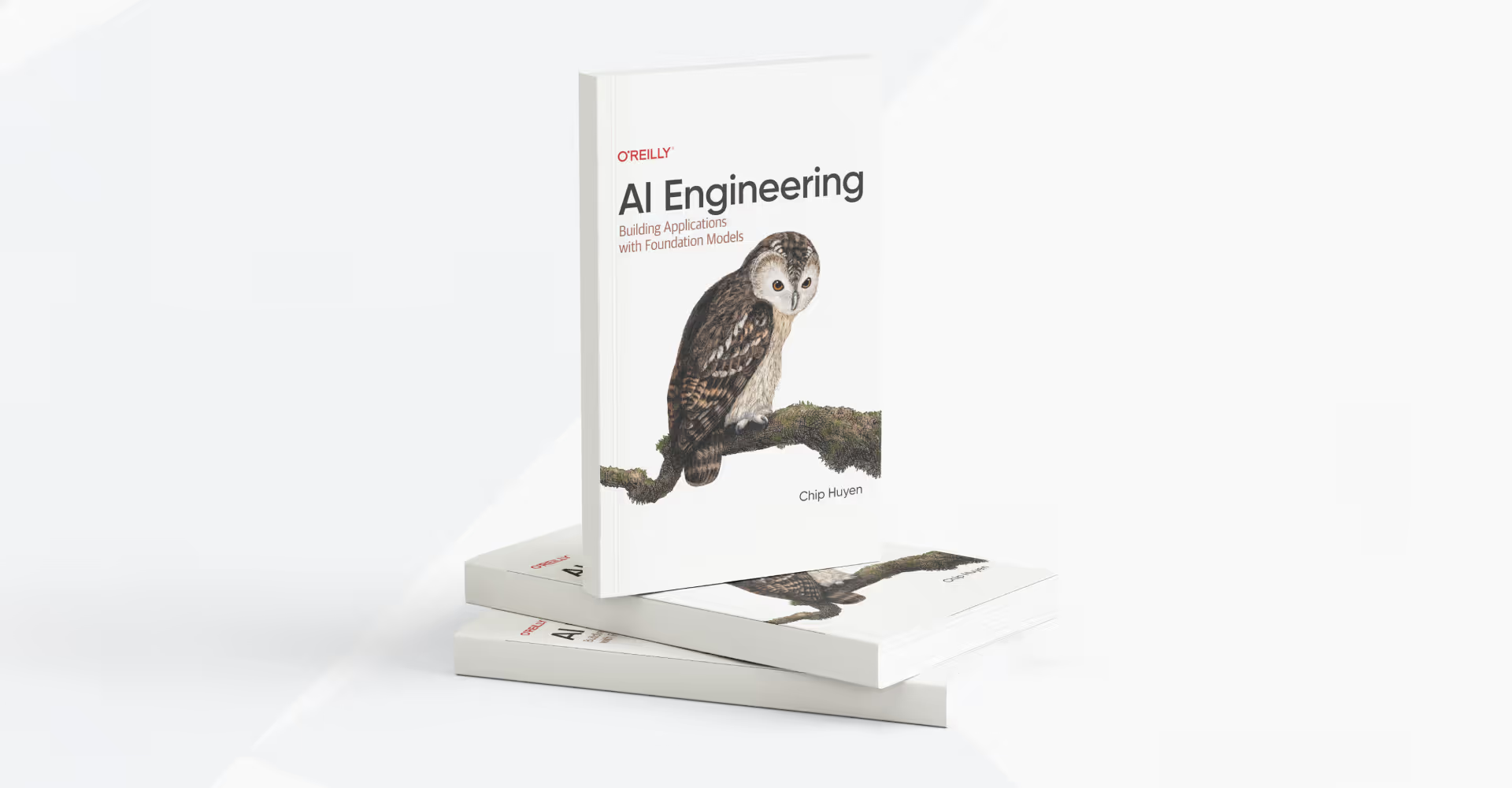
Get a complete guide to "AI Engineering," the new discipline of building powerful applications with readily available foundation models, and understand how it differs from traditional ML engineering.
This book teaches you how to:
Jay Alammar moves past abstract theory and superficial prompts to teach you how to build modern, end-to-end AI applications. His famous visual style makes complex architectures and cutting-edge techniques easy to understand and implement.
This book teaches you how to:
This book takes you to the next level of AI development. It goes beyond simple chatbots to teach you how to build and orchestrate fully autonomous, production-ready AI agents. Micheal Lanham’s guide focuses on creating trustworthy systems capable of handling complex, real-world tasks like high-stakes negotiations.
This book teaches you how to:
Get a practical, example-rich guide that bridges the gap between a promising concept and a successful, scalable product, focusing squarely on the MLOps strategies needed for real-world deployment.
This book teaches you how to:
The world of AI won't be slowing down. Getting grounded in the fundamentals is the best investment you can make in your career. We hope this list of AI books for developers gives you a clear starting point to take these concepts, experiment with them, and start creating
No blogs matched this category, try applying different filters.

