





How We Make Decisions Without Managers
We don’t have traditional managers. This is how we make decisions and keep things moving.

12 min read
Read more

![Illustration of expert content creation for the [Your Company Name] blog, featuring articles on software development and technology insights.](https://cdn.prod.website-files.com/6846d4fc5449e72dcdad7d99/6883e43726396202465e6dce_IMG.svg)

No blogs matched this category, try applying different filters.

Insights, stories, and experiments from our team.

About Us
We don’t have traditional managers. This is how we make decisions and keep things moving.

·

Mar 13, 2026
·
12 min read

There's a myth that in flat organizations, everyone decides on everything.
That's not how it works. At least not at Kaizen.
When people hear "no managers," they often picture one of two extremes: either total chaos where nobody is accountable, or endless meetings where 80 people vote on which coffee to buy. The reality is neither.
Not everyone decides on everything. Not everyone votes. What we do have is a clear set of decision-making methods that we choose based on context.
Before choosing how to decide, we ask ourselves a few questions:
These dimensions help us pick the right method. Not every decision deserves the same process.
Over the years, we've landed on a few methods that we use depending on the situation:
Some decisions belong to a specific role. If someone owns a responsibility, say, office logistics or hiring for a team, they decide within that domain. No committee needed. The key is that roles are transparent: everyone knows who owns what, and the scope of each role's authority is clear.
When a decision doesn't clearly belong to one role, or when it crosses boundaries, we use the advice process. Here's how it works:
The decision-maker is not a committee. It's one person (or a small group) who takes responsibility. But they don't decide in isolation, they bring in the perspectives that matter.
We sometimes call this "Team Advice" when a working group forms around an issue that doesn't naturally fall into anyone's area, and "Area Advice" when a team opens up a topic that exceeds their own scope.
Consent is not "everyone agrees." Consent means "no one has a strong enough objection to block this." We do use a poll, but not to count votes — we use a 1-to-5 scale to measure the level of agreement and surface objections, not to let the majority rule.
We use it in two flavors:
Not everything needs participation. When a decision has already been made through a legitimate process, the right move is to inform, not to fake-consult. One of the fastest ways to kill self-management is to ask for feedback and then ignore it. If you're not going to change course based on input, don't ask for it, just be transparent about the decision and the reasons behind it.
We didn't adopt these methods because they're trendy. We adopted them because they solve real problems:
Transparency is the foundation. Every method we use, from role-based decisions to high-participation consent, works because information flows openly. People know what's being decided, who's deciding it, and how they can participate.
Horizontal doesn't mean structureless. It means fewer hierarchical levels, clearer roles, and intentional decision-making processes that match the weight of each decision.
Not everyone decides on everything. But everyone knows how things get decided.
About Us
We don’t have traditional managers. This is how we make decisions and keep things moving.
12 min read

UX Design
AI

·
May 27, 2026
What happens when you build a design system from v0, Figma, and Windsurf, and let AI handle the speed while you keep the judgment.
12 read time
Just this month, I built a full design system in about 20 hours.
What used to take weeks, sometimes months, is now dramatically faster. So… what actually changed? And more importantly: what didn’t?
Design systems take time. On complex platforms, they can take hundreds of hours.
We were working with a large and complex product where inconsistencies had started to pile up. Different modules had evolved in isolation, teams were making independent decisions, and there were no shared guidelines. The answer was clear: we needed a design system.
AI tools were just starting to emerge back then. They were mostly useful for simple tasks as they tended to hallucinate when things got complex. Developers had started using them earlier than designers, MCP didn't exist yet, and Figma plugins were the best automation we had.
But the context has changed. Fast.
We did what most teams did. We stopped, and we built it. Manually.
Picture two designers, a mountain of inconsistencies, and no map. We had to cross-reference information manually, digging through the code, detecting what could be merged, agreeing on naming conventions, deciding how to name components. Hours and hours of discussion until we finally landed on a solution.
In the end, we got there. A cleaner system, faster workflows, and for the first time, both teams speaking the same visual language. Hard-won, but it worked.
But now every month a new AI model seems to be released. Design is finally catching up with what developers faced about two years ago. New tools arose, and with that, the scope of our work as designers completely changed.
For an internal project, I used our Kaizen site as a reference, combined with documentation from industry leaders as a guideline.
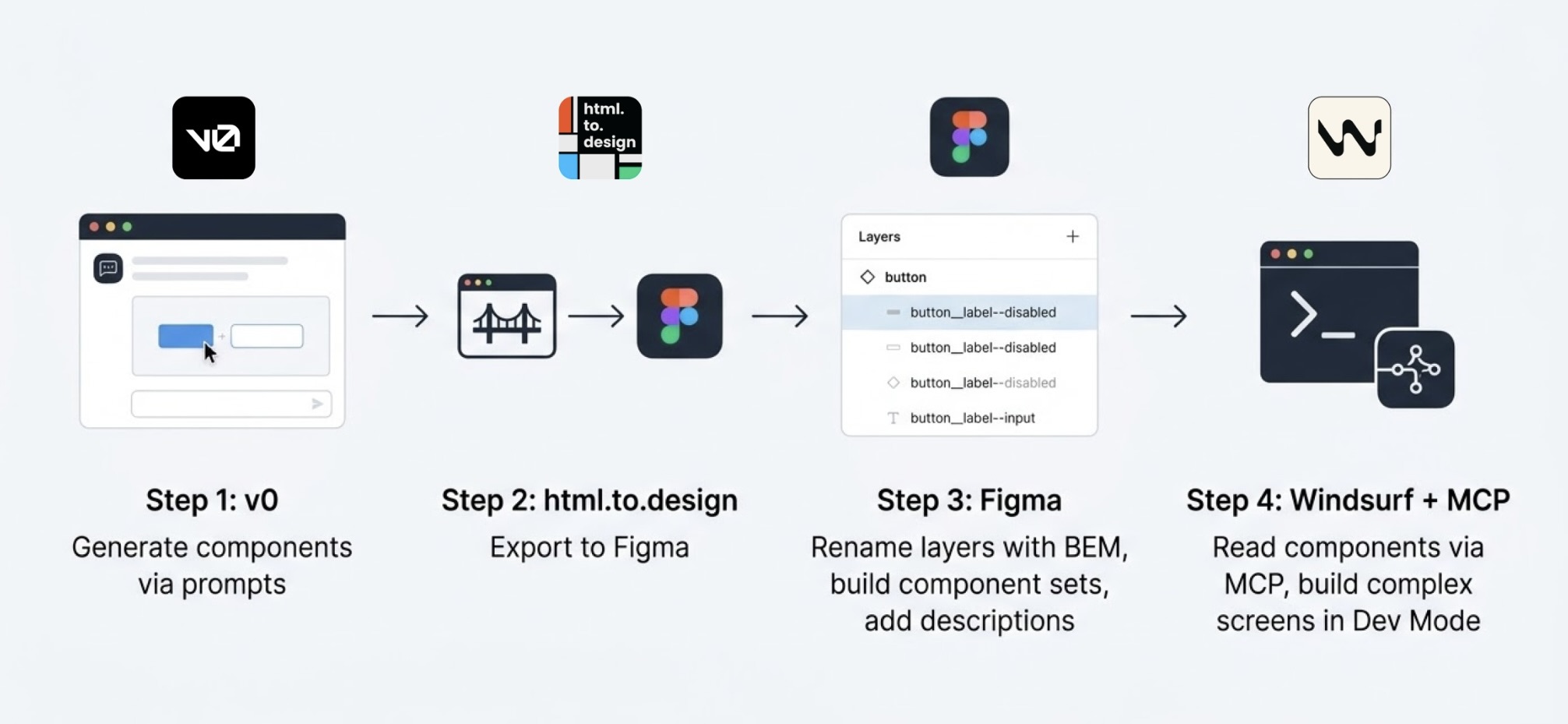
I started in v0, which is essentially a chat interface where you can generate UI components through prompts. I fed it the colors, typographies, and a reference image, and from there it was a back-and-forth: the AI generated, I reacted, adjusted, and pushed until the output matched what I had in my head. And just like that, I started prompting my way through a Design System.
Once a component was ready, I used the html.to.design plugin to bring it into Figma (yes, plugins are still alive!). Think of it as a bridge: the plugin exports designs directly from the browser into a Figma file.
Inside Figma, the intervention was more hands-on. First, I checked that everything was visually consistent with what was defined in v0: colors, typography, styles. Then I used Figma's built-in AI to rename all the component layers using BEM convention (something that would have taken a significant amount of time to do so manually).
BEM, which stands for Block Element Modifier, is a widely adopted naming convention in CSS. It structures layer names hierarchically and predictably, for example: button__label--disabled.
Using it keeps the code clean, readable, and consistent, especially when you're working alongside a developer who needs to understand what came out the other side.
Beyond naming, I also made sure the layer structure would generate the right properties when building component sets in Figma, so that all the variants would be correctly exposed and usable. My team also pointed out that adding descriptions to components and variants was key as context for any agent using them through an MCP.
The last step was connecting everything to Windsurf via MCP. With a frame selected in Dev Mode, Windsurf could read the Figma file and use the components to build more complex screens.
We worked closely with a developer throughout this phase. Not just for the technical knowledge, but because having someone who reads code fluently meant catching things we wouldn't have spotted otherwise. The design role here was direction and supervision: making sure the AI used the components correctly and didn't invent solutions where context was missing.
Every step of the process had a human decision behind it.
At one point, before we had any of the naming conventions figured out, I selected a frame and asked Windsurf to build a form using the components inside it, styled to match a specific card. The developer next to me was skeptical until he saw the result, and then he was just as surprised as I was.
What we realized is that the MCP wasn't reading layer names to understand context. It was reading everything inside the frame, even the loose text sitting alongside the components. Good naming is still worth doing. But the MCP doesn't need it to understand what it's looking at.
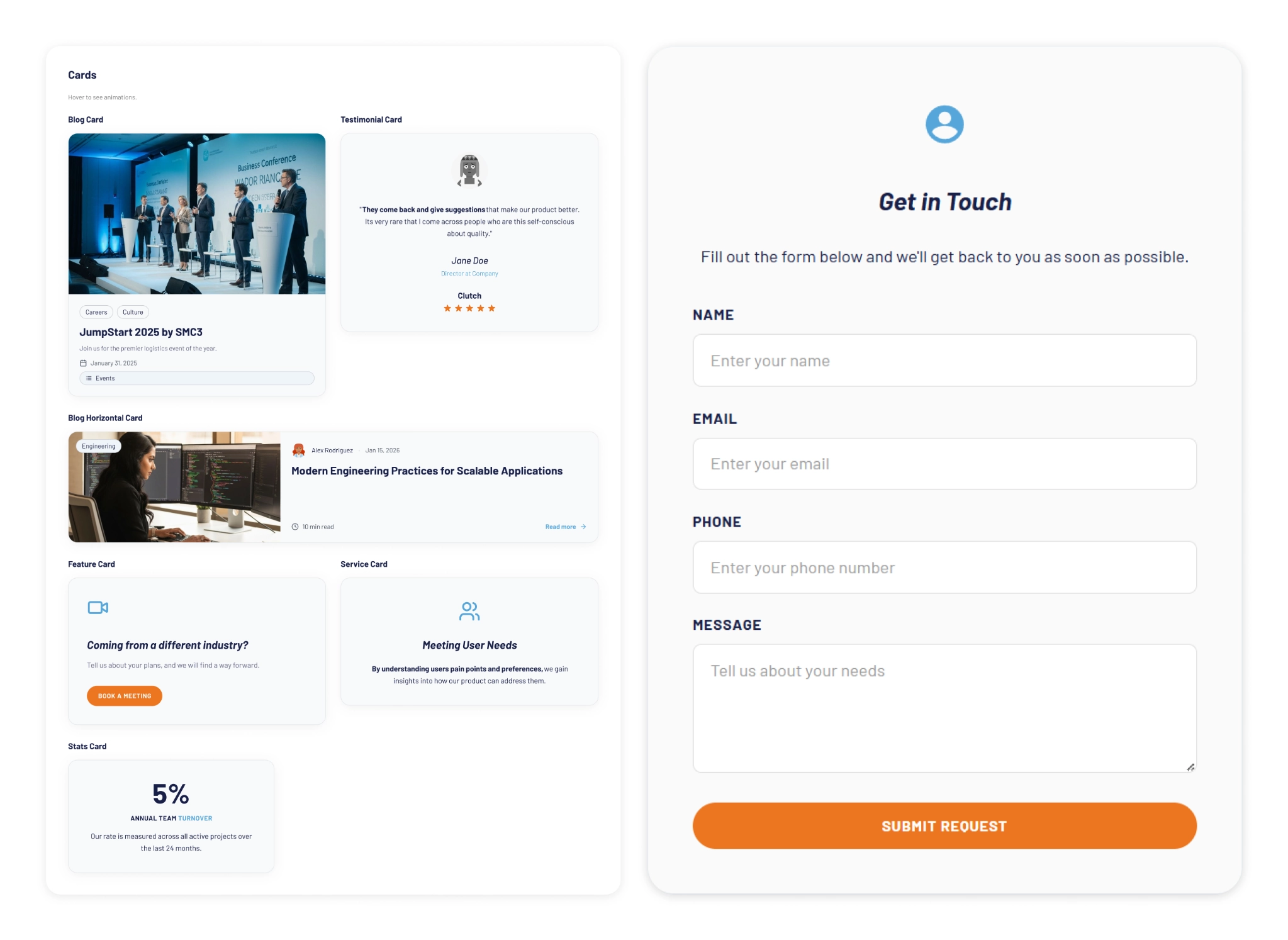
The more specific and contained your prompt, the better the outcome. We started with the most atomic component: the button, and worked outward from there. Each approved component became context for the next one, so the system gradually picked up the visual language we were building.
At some point I got ambitious and asked for five cards in a single prompt: blog card, service card, testimonial card, stats card, feature card… structures, states and all. The AI delivered.
Visually, everything looked fine. Then the developer looked at the code and pointed out that all five cards were independent components instead of variants of one. For a design system, that breaks everything.
One correction prompt fixed it. But it was a good reminder: the AI does exactly what you ask, not what you mean. And fixing it after the fact can cost more than getting it right from the start.
Through all of this, a few things became very clear. These are the parts that didn’t change:
The tools changed, and that gave me the chills, but throughout this experience I found that the designer's role is more alive than ever.
What once took a team weeks can now be prototyped in hours. That’s not a threat; it’s an invitation to get curious.
I'm still figuring a lot of this out, and I suspect most of us are. There's no right workflow yet, and honestly, that's fine. We are in a transition where tools change faster than standards. The best thing you can do is experiment. Don't wait for a "definitive" workflow, it might be obsolete by next month.
Go ahead, try prompting your way through a component. You might be surprised how fast the system starts to take shape.
AI
Technology

·
May 15, 2026
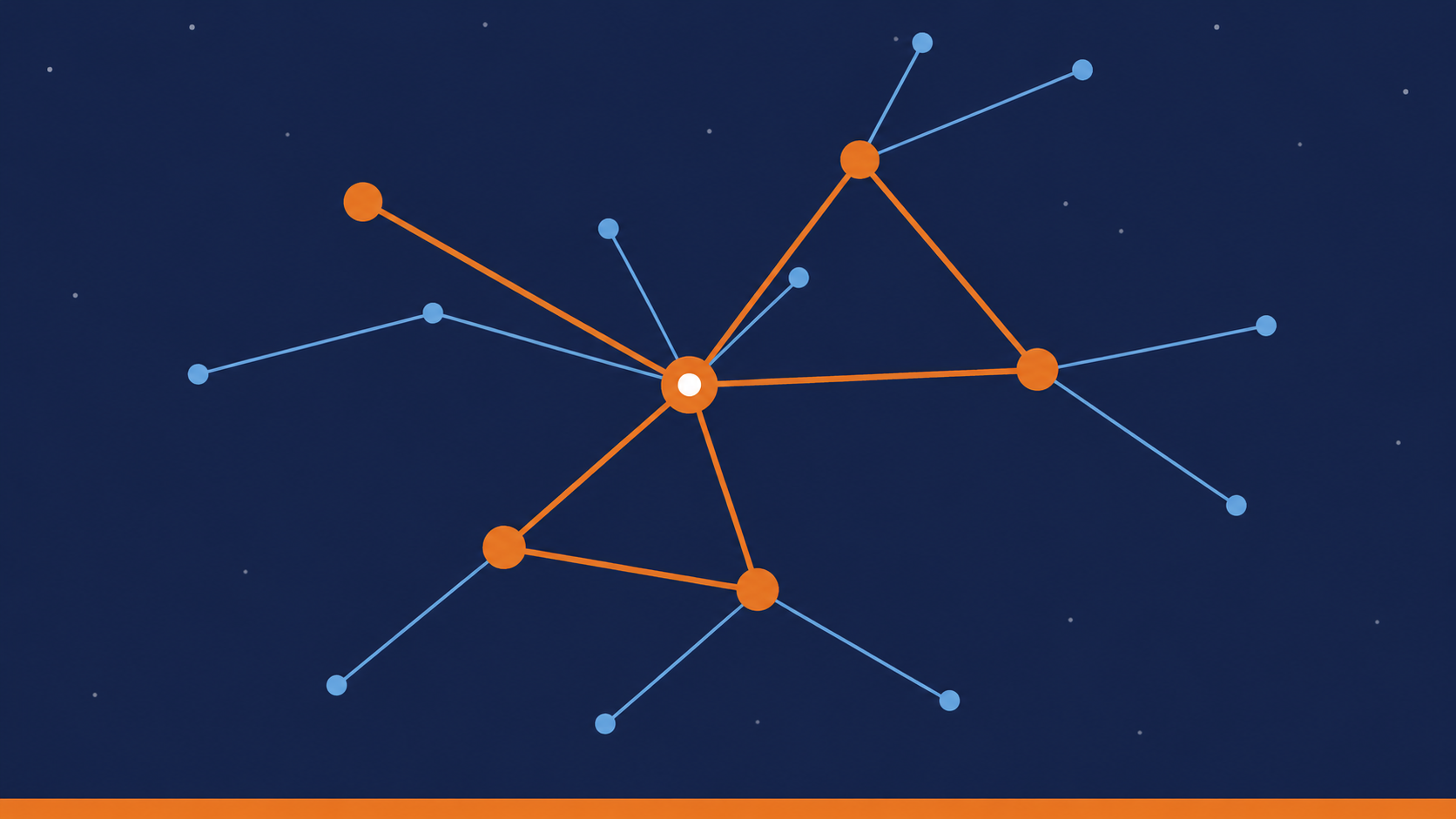
AI can update microservices safely, but only when it understands the system’s architecture, ownership, and service relationships.
12 read time
Applying changes across microservices is difficult because business logic is distributed across multiple services, each with its own data, contracts, and responsibilities.
In our experiment at Kaizen Softworks, we tested whether an AI system could safely apply coordinated changes across a microservices architecture using only minimal input.
Short answer: Yes, but only when the AI has enough architectural context.
In distributed systems, a single business change rarely affects just one service.
It often requires:
The complexity is not in the code, it’s in the relationships between components.
We designed a controlled experiment to test whether an AI model could apply system-wide changes with limited information.
In other words, the AI had to behave like a software architect, not just a code generator.
The biggest challenge was not technical, it was contextual.
.png)
Instead of descriptive names like:
Our services were named:
This removed any semantic clues about responsibility.
Result: The AI could not infer which service owned which domain logic.
To solve this, we introduced a simple but powerful structure:
This created a clear relationship between domain concepts and system components.
Once ownership was explicit, the architecture became understandable.
Instead of building this mapping manually, we used AI to analyze the codebase and extract:
The result was a machine-readable architecture map.
In practice, we used AI to generate the context that AI itself needed.
With the architecture map in place, the AI was able to:
While not perfect, the system worked reliably as a proof of concept.
The main limitation of AI is not code generation, it’s architectural understanding.
Without knowing:
AI cannot safely modify a distributed system.
AI performance depends more on context quality than model capability.
Simple rule: If the architecture is clear, AI can reason. If not, it guesses.
This experiment revealed something important:
AI doesn’t fail because it can’t write code.
It fails because it can’t see the system.
As teams move toward AI-assisted development, the focus will likely shift from:
Writing better code to Designing better systems for machines to understand
At Kaizen Softworks, we see this as a foundational shift.
Because when AI can understand architecture, it doesn’t just generate code, it helps evolve systems.

AI

·
Mar 4, 2026
LLMs can break in weird ways. Guardrails are what keep things usable in production.
12 read time
In 2026, building AI-powered features has become relatively easy. While working on AI initiatives within the Innovation Hub at Kaizen Softworks, we kept running into the same pattern: PoCs worked, demos looked impressive, and stakeholders were happy. But production hit red flags.
When you move from an internal prototype to production, uncomfortable questions start showing:
AI guardrails and evaluations have shifted from "extra safety work" to core product concerns.
AI Guardrails are secondary checks that sit between the user and the Large Language Model (LLM). They act as a validation checkpoint, monitoring, filtering, and validating both the input (prompts) and the output (responses) to ensure they meet safety, accuracy, and brand standards.
Instead of trusting the model blindly, you are defining the boundaries of "valid behavior, which usually means:
We’ve already seen public cases of large AI-powered products responding to almost any topic-not because the models were bad, but because clear boundaries weren’t defined. As systems become more agentic (taking actions on behalf of users), these risks only grow.
The value of these patterns, which are covered in the DeepLearning.ai "Safe and Reliable AI" course, is that they provide a model for building responsible AI.
Guardrails aren't a silver bullet, but they are the difference between a prototype that "looks cool" and a system you can actually trust with your brand and your users' data. At Kaizen Softworks, this way of thinking is becoming increasingly important as we explore and ship AI-driven solutions.
To move beyond the demo, we recommend implementing these four technical validation layers:
In a RAG (Retrieval-Augmented Generation) system, a hallucination is usually a lack of grounding. A way to verify that every statement is explicitly supported by trusted source text is through Natural Language Inference (NLI).
Instead of asking "Does this answer look right?", we use a secondary, smaller model to ask if the output is logically entailed by the source context. This makes hallucinations something you can programmatically reason about and block in real-time.
Another common problem is the "Everything Bot"—that answers questions about your business, but also gives recipes or writes poetry if asked.
While you can try to "prompt" an LLM to stay on topic, it’s expensive and slow. We prefer Zero-Shot Classification. It’s a dedicated layer that categorizes the intent before it even hits the expensive LLM. It’s:
Data privacy is the #1 reason AI projects stall in legal. PII (Personally Identifiable Information) handling is easy to ignore in demos but is a dealbreaker in production.
Tools like Microsoft Presidio allow you to:
This makes data privacy risks very tangible, especially when working with third-party LLM providers.
There are also examples of guardrails for:
Again, the focus is not on theory, but on patterns you can actually apply.
To dig deeper into this topic, I took the short course “Safe and Reliable AI via Guardrails” by DeepLearning.ai.
This course is not about training models or prompt engineering. It’s about everything that surrounds the LLM when you want to ship an AI feature safely and reliably.
You won’t leave this course as a “guardrails expert”. What you will get:
It’s a very good entry point, especially for engineers who are starting to ship AI features beyond PoCs.
For me, the biggest takeaway was a mindset shift. When you think in PoC mode, many questions don’t even come up:
In production, those questions stop being theoretical. The course reinforces the idea that once an AI feature goes to prod, “it works” is not enough.
You start designing:
And once you start thinking this way, you don’t really go back.

AI

·
Mar 2, 2026
If someone on our team asked where to learn AI today, these are the courses we’d point them to.
12 read time
Learning AI engineering is about developing judgment: knowing when to use models, how to control them, and where they actually add value.
At our Innovation Hub, we’ve been actively experimenting, building, breaking, and refining AI-powered systems in real-world environments. Based on that hands-on experience, we curated this list of AI engineering courses we’d confidently recommend to our own team.
This list is for software engineers, tech leads, and AI practitioners who already ship production code and want to learn how to build AI systems that are reliable, maintainable, and usable.
TABLA
Standard LLMs are constrained by static training data and context limits. In real products, that’s a deal-breaker. Retrieval-Augmented Generation (RAG) has become the industry standard for connecting AI systems to private, real-time, and domain-specific data.
What You’ll Learn:
How do you test a system that doesn’t always give the same answer? Traditional unit tests break down when applied to LLMs. TestGenAI tackles that problem head-on by showing how AI can be used to test AI systems themselves, across UI, APIs, databases, and workflows.
What You’ll Learn:
As AI systems become user-facing, safety is no longer optional. Guardrails are programmable layers that sit between users and LLMs to prevent harmful, non-compliant, or simply incorrect outputs.
What You’ll Learn:
For engineers working in larger organizations, this certification is one of the most complete overviews of how AI systems live inside real enterprise infrastructure.
It goes beyond models and into architecture, governance, and deployment constraints.
What You’ll Learn:
We’re moving from copilots to agents.
Windsurf is an AI-native IDE that allows agents to autonomously refactor, search, debug, and modify code across an entire codebase. This course shows how to work with those agents instead of fighting them.
What You’ll Learn:
Claude Code brings AI directly into your terminal, allowing it to read, reason about, and modify your local codebase. It’s one of the most practical examples of LLMs as real development tools, not chatbots.
What You’ll Learn:
There’s no single “best” path. The right course depends on what you’re building, who your users are, and how close you are to production.
If you’re deciding where to start:
.avif)
AI
UX Design

·
Feb 20, 2026
Synthetic users are AI-driven test agents that help reveal where a design creates doubt, confusion, or unnecessary friction.
12 read time
Karen has no patience.
If a button is disabled without explanation, she gets annoyed.
If an empty state looks like an error, she assumes the system is broken.
If a loading spinner doesn’t explain what’s happening, she asks for the manager.
Karen isn’t a real person.
She’s a synthetic user.
And she might be one of the most useful ways I’ve found to stress-test a design before putting it in front of real users.
A synthetic user is a constrained AI decision agent embedded in a controlled simulation framework.
It is not just a profile. It is a structured behavioral model with:
It operates only within what is defined and cannot compensate for ambiguity, missing signals, or structural gaps in the interface.
A synthetic user is not:
A synthetic user interacts strictly with what is visible in the interface and nothing more. It does not infer intent, fill gaps, or compensate for ambiguity. When the path forward is unclear, it hesitates. That hesitation is not failure. It is the signal that reveals structural friction.
.avif)
If you want this to be more than “ChatGPT pretending to be someone,” you need structure. You must define:
Synthetic users don’t validate whether something “works.” What they actually do is expose where a design forces users to interpret instead of confirming things explicitly. They surface structural ambiguity that often goes unnoticed in internal reviews and help distinguish between friction that affects everyone and friction that only impacts less experienced users.
In practice, they make design discussions more concrete because you’re no longer debating opinions, you’re observing constrained behavior. They don’t replace usability testing, but they significantly improve how prepared you are before running it.
If you want to try it today:
If the synthetic user never hesitates, your constraints are too weak
I’ve pulled together the exact resources I use:
Agent-based simulation is not a new idea.
What is still underdeveloped is how to apply it in a structured, practical way inside UX workflows. There is no widely adopted standard yet. No clear implementation pattern most teams follow.
What I’m sharing here is not an academic breakthrough. It’s a working implementation.
It can evolve. It can scale into automation.
But even in its current form, it has helped me detect structural friction before running formal usability testing, that alone makes it worth exploring.
.avif)
Events
·
Feb 18, 2026
If you're planning your 2026 logistics strategy, these are the U.S. events actually worth showing up to.
12 read time
This is our curated roadmap of the most influential U.S. logistics conferences in 2026. If you are planning your professional calendar and investment for the coming year, these are the dates you need to save.
SMC³ JumpStart is a high-density event for freight leaders seeking a clear pulse on the 2026 market. The agenda focuses heavily on Applied AI for automated billing, revenue models, and final-mile strategy.
With over 7,000 attendees, Manifest is where supply chain technology meets global operations. In 2026, the event features a dedicated Cold Chain Program, making it a non-negotiable for teams managing temperature-sensitive networks.
Organized by S&P Global, TPM26 is the primary venue for negotiating global container contracts. The 2026 edition centers on risk management across three tracks: TPM Cold Chain, TPM Tech, and TPM Academy.
An invite-only summit where 80% of attendees represent Fortune 100 companies. This is not a vendor-heavy trade show; it is a curated environment for VPs and C-level executives to solve geopolitical risks and supply chain resilience challenges.
TIA Capital Ideas is the primary North American event dedicated exclusively to 3PL leadership and brokerage-based logistics. This conference addresses the core financial and operational drivers of the sector, including brokerage economics, margins, and sales growth strategy.
The Georgia Logistics Summit provides a direct look at multimodal operations within one of the largest logistics hubs in the U.S. The event focuses on the practical intersection of ports, rail, and trucking, moving beyond typical "trade show fluff."
FTR is a data-centric conference focused on market forecasts and economic analysis. It provides direct access to analysts and peer intelligence to guide long-term planning across three specific tracks:
Intermodal EXPO is the central meeting point for the intermodal freight ecosystem, connecting rail, ocean, and trucking leaders. Built for those dealing with the coordination challenges of moving freight across different modes of transport.
The logistics industry is currently navigating a tectonic shift driven by Generative AI, multimodal visibility, and fluctuating trade tariffs. Attending these forums is no longer just about networking; it is about updating your competitive edge.
At Kaizen Softworks, we help logistics leaders turn the insights gained at these summits into robust software solutions, from AI-driven route optimization to automated compliance systems.

AI
·
Feb 13, 2026
We built a visual novel app to make AI basics easier to understand, turning concepts like LLMs, RAG, and agents into a story you can play.
12 read time
At Kaizen Softworks, AI is already part of our daily work. But adoption doesn’t happen at the same speed across every team, and that's normal. To keep our evolution strategic, we wanted every team member to have a solid understanding of AI concepts.
To do that, our Innovation Hub (our internal AI R&D team) built a learning tool that actually looks like something you’d want to use. Instead of more slides or long docs, we built an interactive web app with a visual novel style.
It was built in React in just two weeks and uses a branching, story-driven approach to learning.
The experience puts you in the role of Kai, a character moving through a story where your decisions shape what happens next. As the story unfolds, you can explore core AI concepts in a way that feels practical and easy to follow:
The goal of this MVP is to level the technical vocabulary across the entire organization, fostering a culture of responsible autonomy. We believe that when we understand the deep logic behind the technology, we can build solutions that offer real, lasting value to our clients.
This platform isn’t meant to replace technical workshops or 1:1 coaching. It’s an accessible entry point. And for anyone who wants to go deeper after finishing the story, we included a curated set of advanced resources recommended by our technical team.
We’re opening up this first module so anyone can try the tool, meet Kai, and sharpen their AI understanding in just a few minutes.
This is an early version, and your feedback will play a big role in how we continue evolving this storytelling engine.
Events
·
Feb 11, 2026
Not all startup events are worth your time. These are the ones we’d actually consider going to in 2026.
12 read time
This year’s calendar is a strategic mix of high-stakes pitching, specialized AI tracks, and decentralized community "weeks" across the U.S.
We’ve vetted the top conferences for 2026, focusing on investor density and actionable growth sessions.
Silicon Slopes Summit is a four-day tech and startup conference in Salt Lake City that brings together more than 30,000 founders, executives, investors, and builders. The 2026 edition marks the event’s 10th anniversary.
The program combines talks, panels, and small-group gatherings focused on practical conversations and peer connections. Attendees can access networking cafés, curated lounges, and invite-only meetups designed to make it easier to connect with people working on similar problems.
Outside scheduled sessions, the event includes city-wide activities such as live music, performances, pickleball tournaments, and interactive installations, creating informal spaces for conversation and downtime.

TechCon Global runs a series of conferences across the U.S. for post-seed startups or teams preparing for Series A.
Through the Startup Innovation Showcase, founders get a high-stakes platform to pitch live. Finalists receive a dedicated demo booth and direct access to over 100 investors and 50 strategic partners, designed to move startups straight into serious funding and partnership conversations. There’s also room for students and early-career builders to learn, connect, and get closer to the ecosystem.
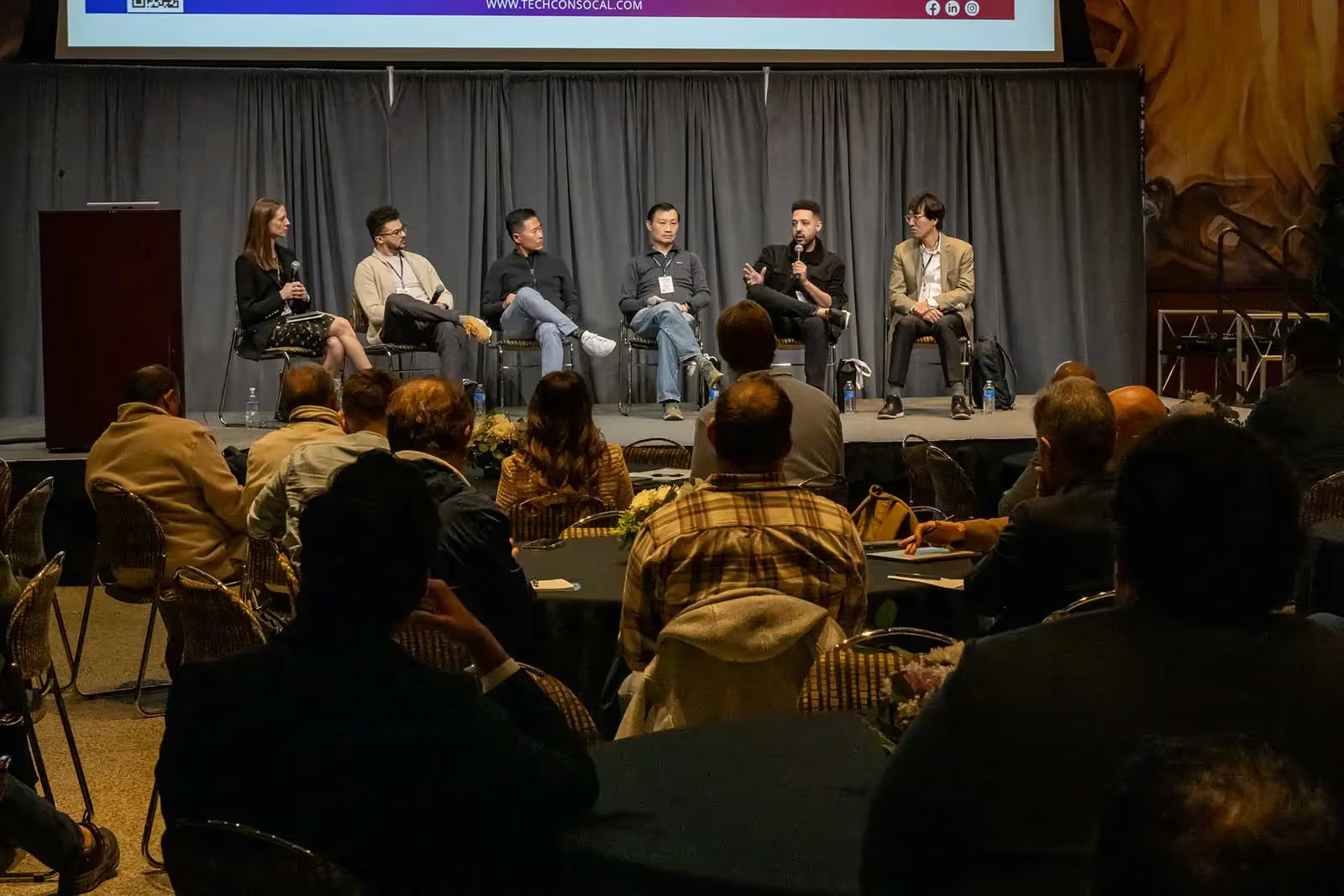
Transform 2026 is the premier conference focused on the intersection of AI, technology, and the future of work, designed for leaders to build people-first organizations, drive, and actionable, measurable AI strategies.
With around 4,000 attendees and a community-driven format, the event looks for conversations and shared learning. Early-stage founders also have a place through Pitch the Future, a live startup pitch competition with a $50,000 prize.
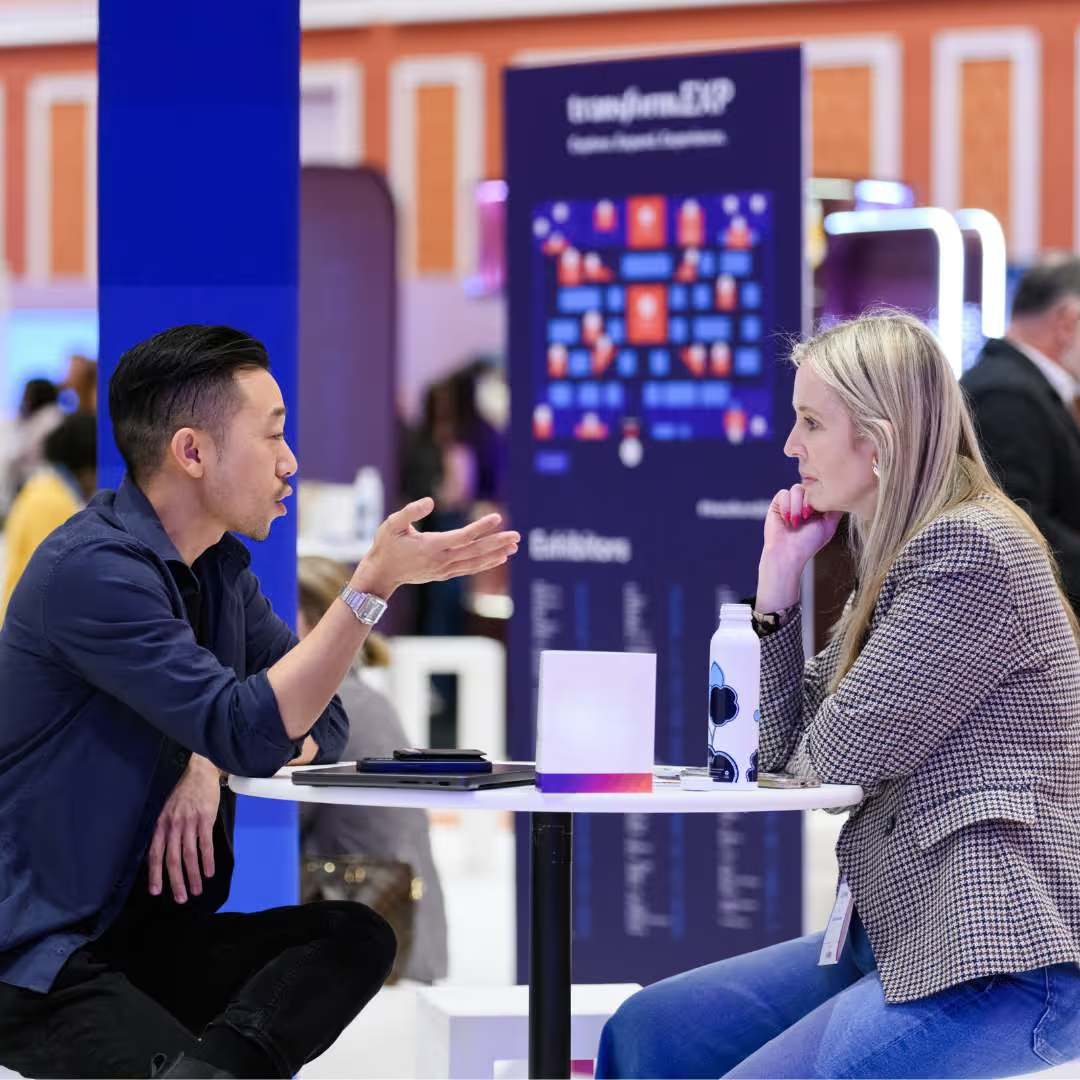
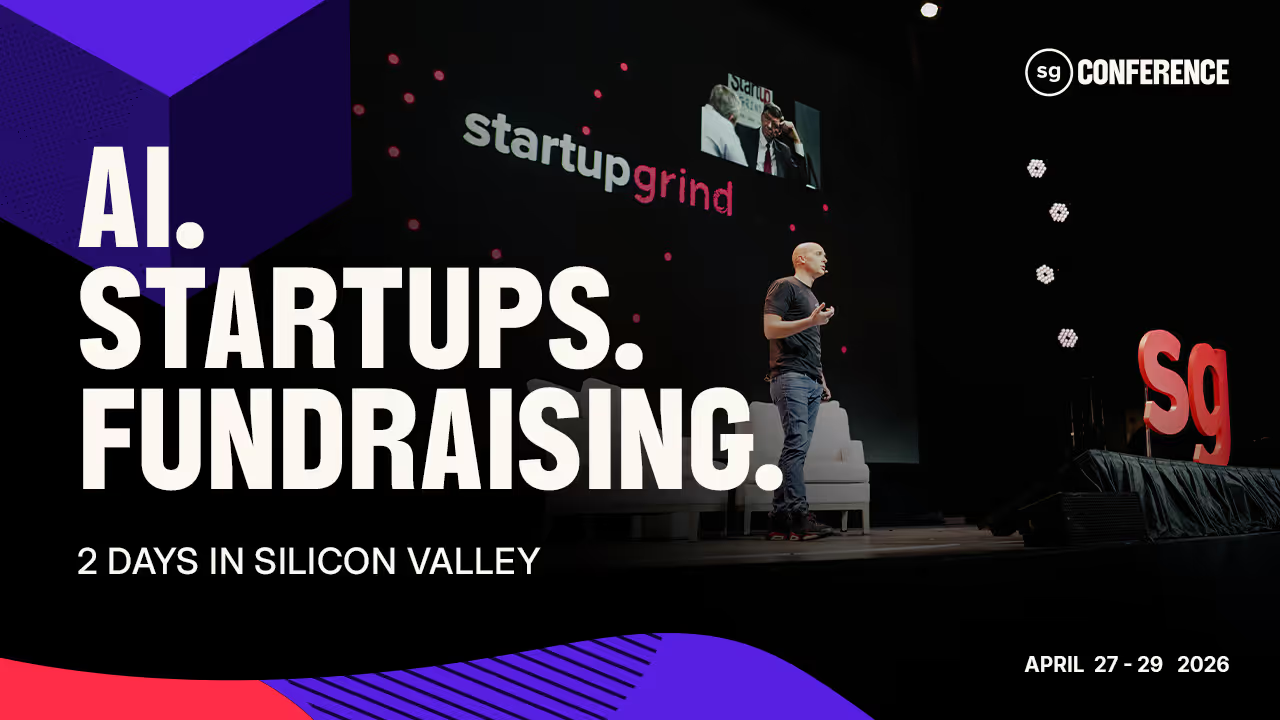
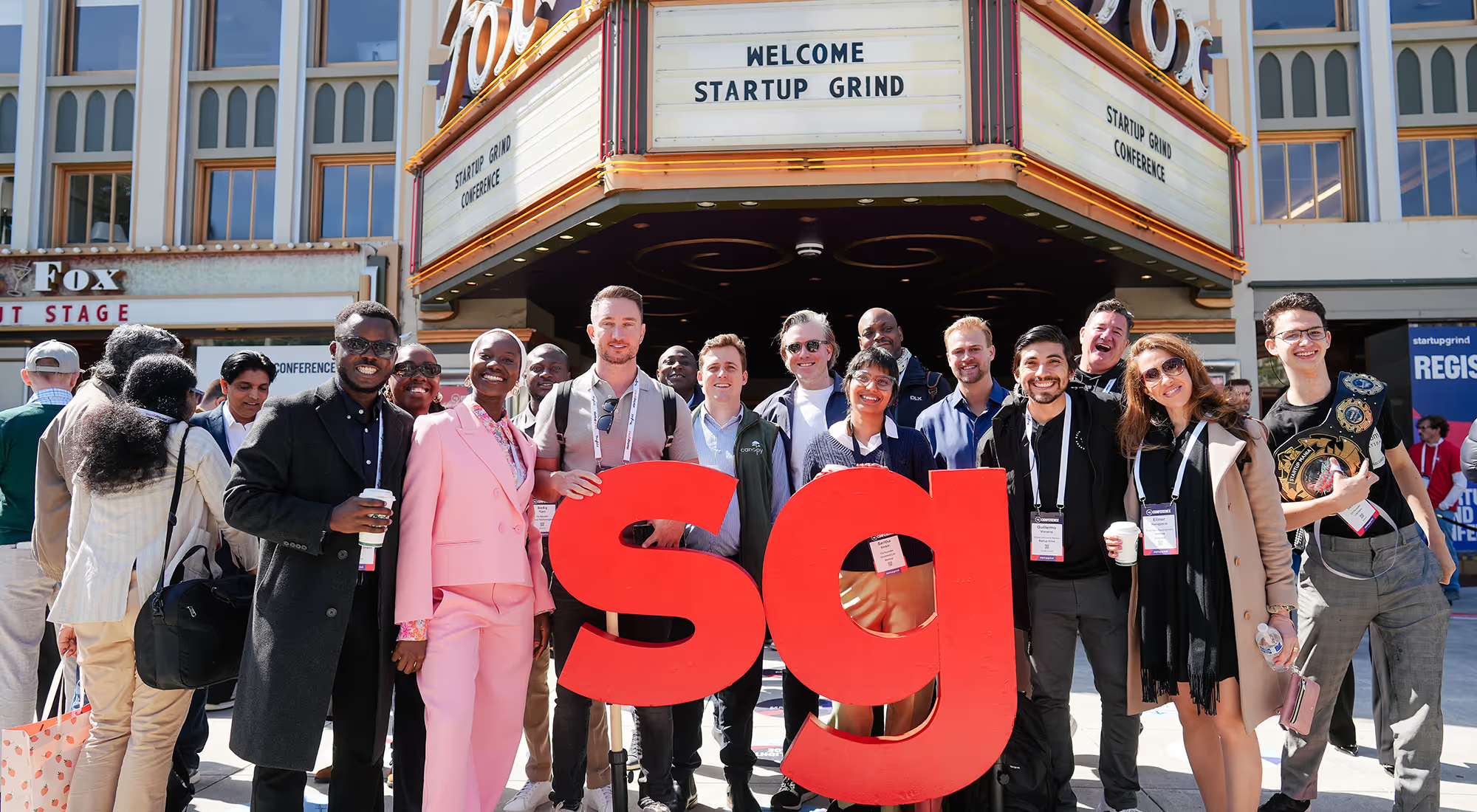
Startup Grind Conference is a three-day tech and startup event held in Silicon Valley, with more than 5,000 attendees. It’s one of the longest-running tech conferences in Silicon Valley.
The agenda includes hands-on sessions, pitch opportunities, and structured ways to meet the organizations that run startup programs, build partnerships, and support founders. Attendees can talk directly with these teams to understand what they offer and whether it’s relevant to their stage.
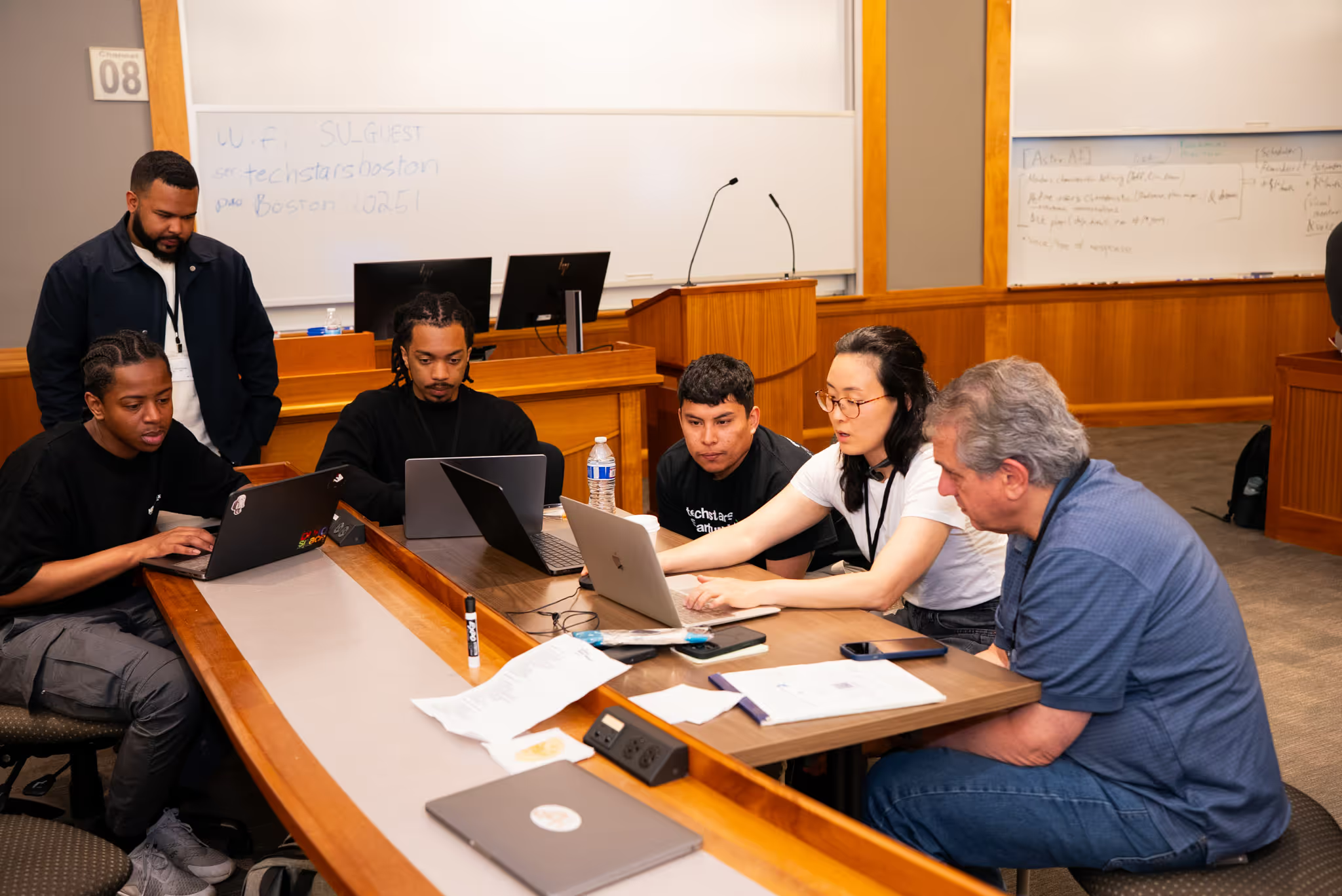
Techstars Startup Weekend Boston is a three-day event designed to move an idea from concept to prototype. In just 54 hours, participants experience the full lifecycle of a startup: pitching, team formation, customer validation, and a final presentation to a panel of judges.
The Boston edition is back for its 4th year, specifically targeting the city's unique density of technical talent and academic innovators.
While the Boston flagship is a major highlight, Techstars Startup Weekend is a global phenomenon hosted in hundreds of cities worldwide each year. In 2026, the movement continues to scale, with upcoming editions in innovation hubs like Madrid, Riyadh, Hyderabad, and Zurich.
Notably, every March, Techstars mobilizes its community for the Startup Weekend Women initiative, with over 40 cities, from San Diego to Istanbul, hosting events simultaneously to empower female-led ventures and technologists.
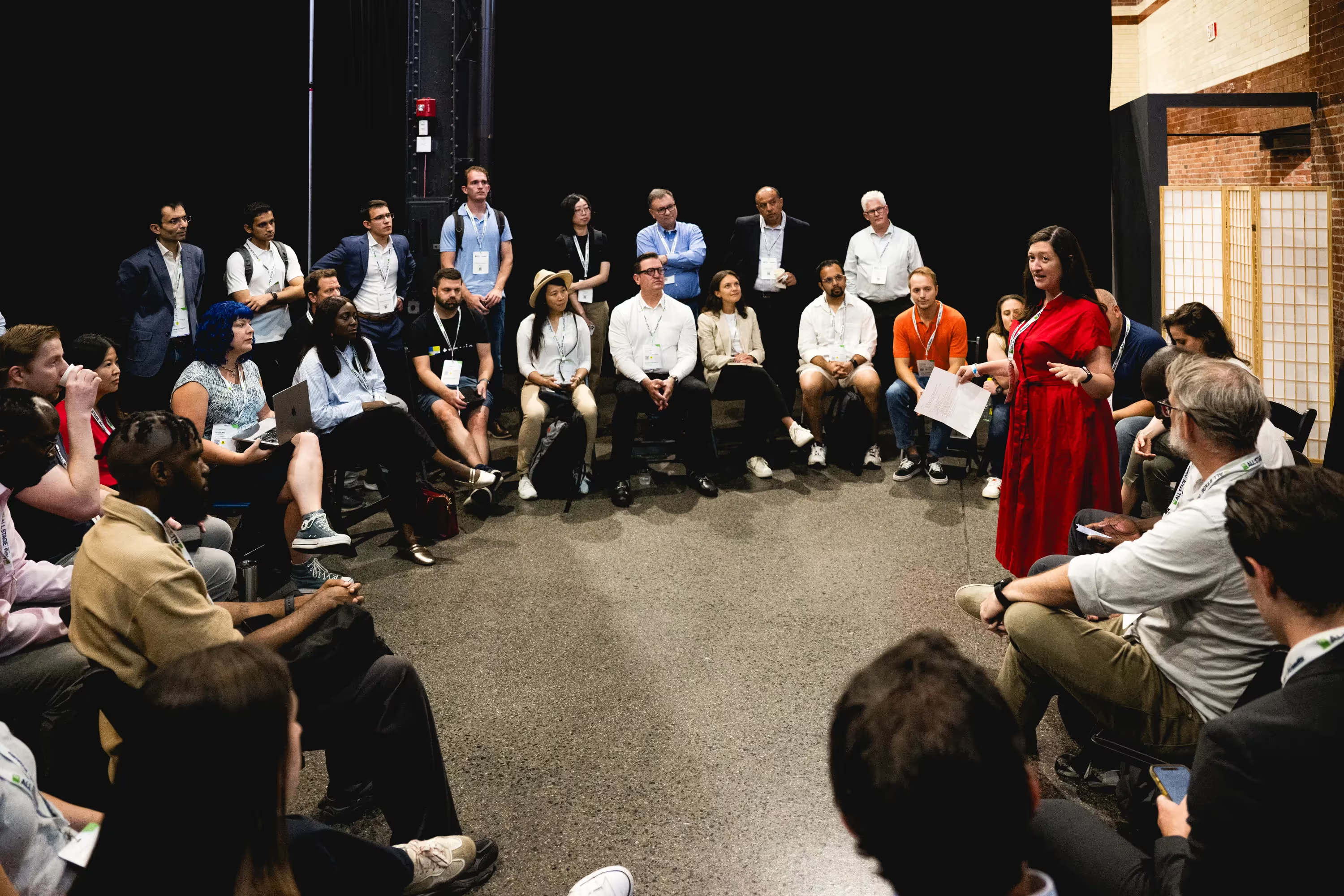
Tech Week skips the traditional conference setup. It’s a decentralized series of events with no single stage or fixed agenda. Instead, the city becomes the venue, hosting hundreds of independently run events over the course of a week.
Topics range from AI and infrastructure to crypto, security, space, and capital strategy. It’s a good match for pre-seed and seed-stage startups looking to connect with investors and plug into the local tech ecosystem.

With more than 1,100 founders and investors attending, this is a perfect fit for founders who are just starting. At the TechCrunch Founder Summit you’ll hear stories from experienced startup leaders, their journeys, lessons learned, and what they wish they’d known earlier.
Sessions are practical and hands-on, covering topics like hiring your first employees, handling legal and financial decisions, and setting up your go-to-market as you start to scale.
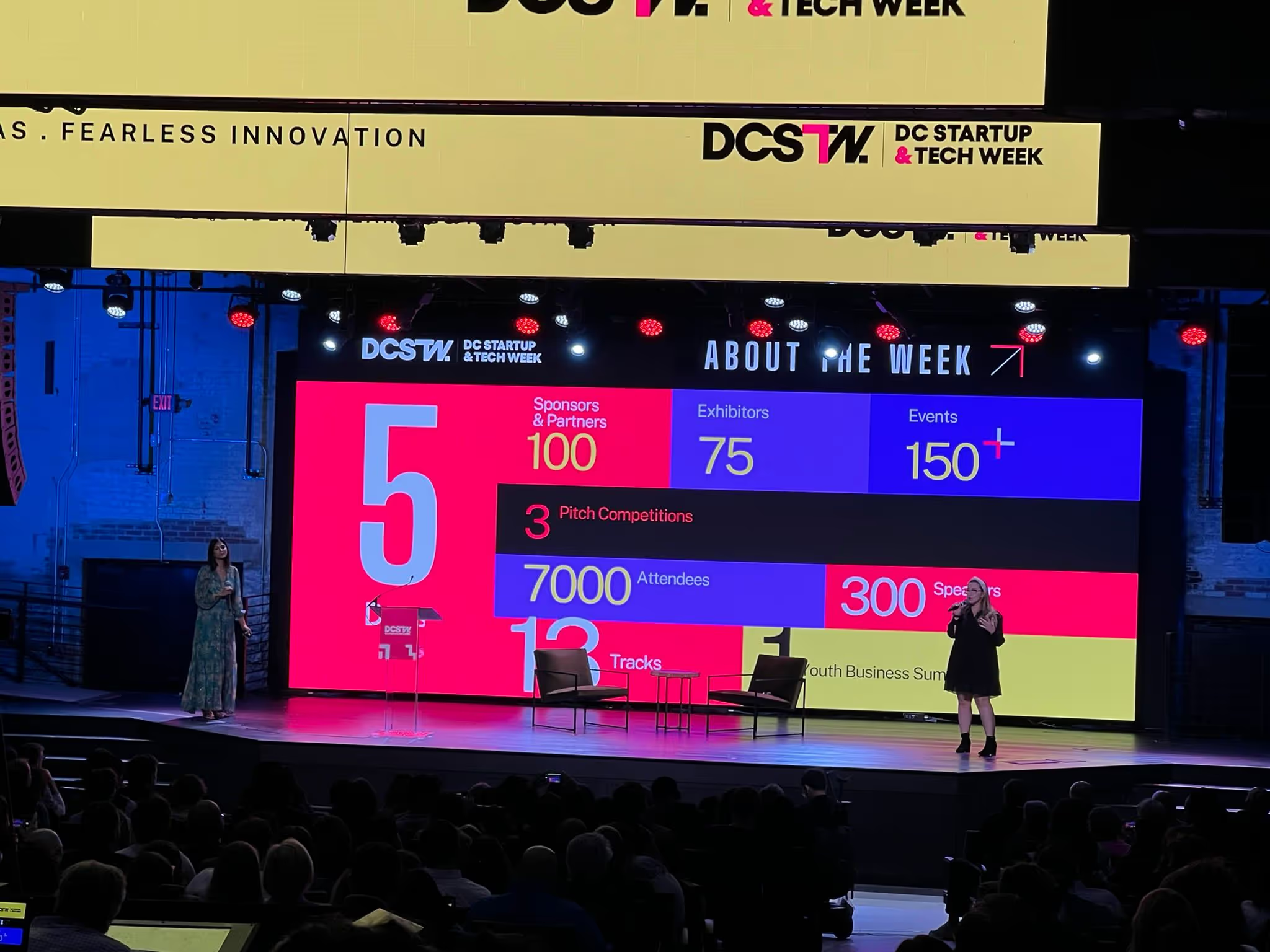
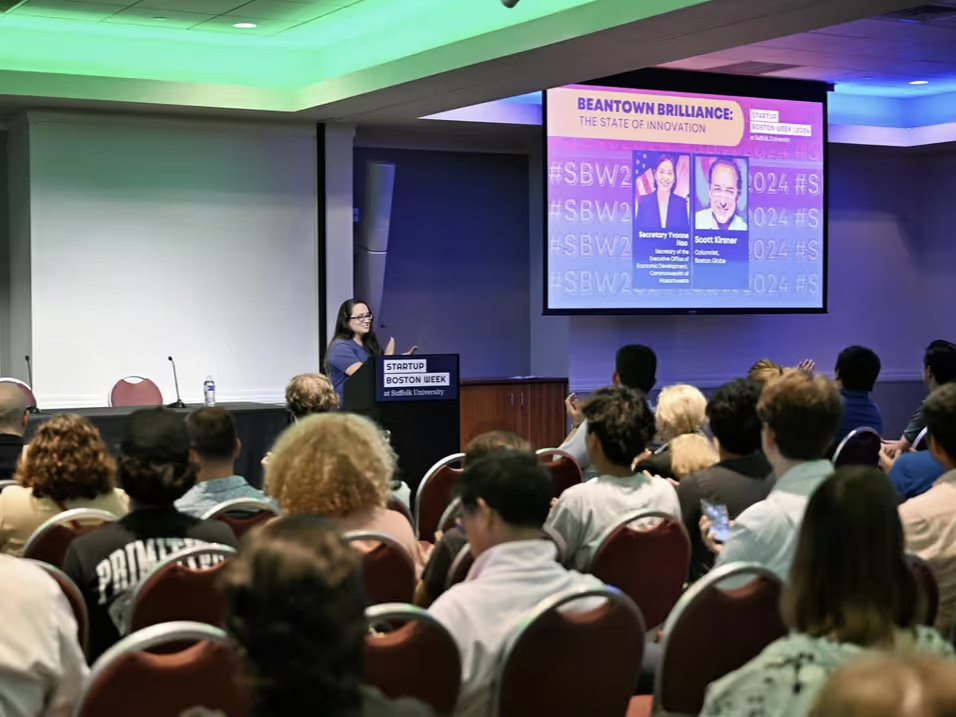
Startup Boston Week is a five-day event that brings together the New England startup community. Founders, operators, investors, students, and ecosystem builders come together to learn from each other, share real experiences, and make meaningful connections.
Every September, thousands of people attend over 100 free sessions, panels, and networking events and 300 speakers. It’s an easy place to meet people, exchange perspectives, and spark partnerships without the usual conference barriers.
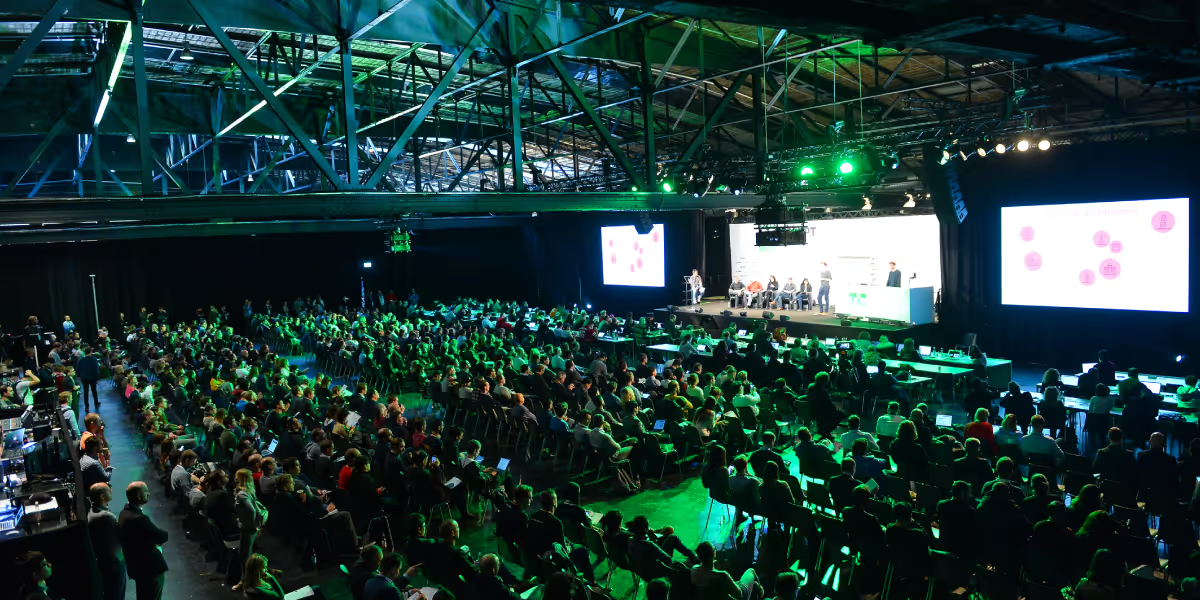
TechCrunch Disrupt is one of the biggest events of the year, with more than 10,000 founders and investors over three days. It’s built to be useful no matter what stage you’re at, from early ideas to companies preparing to scale.
Disrupt stands out for the Startup Battlefield 200. Thousands of startups apply, and only 200 make it to the stage. The winner takes home $100,000 in equity-free funding, along with global exposure and direct access to top-tier investors.

Events

·
Jan 28, 2026
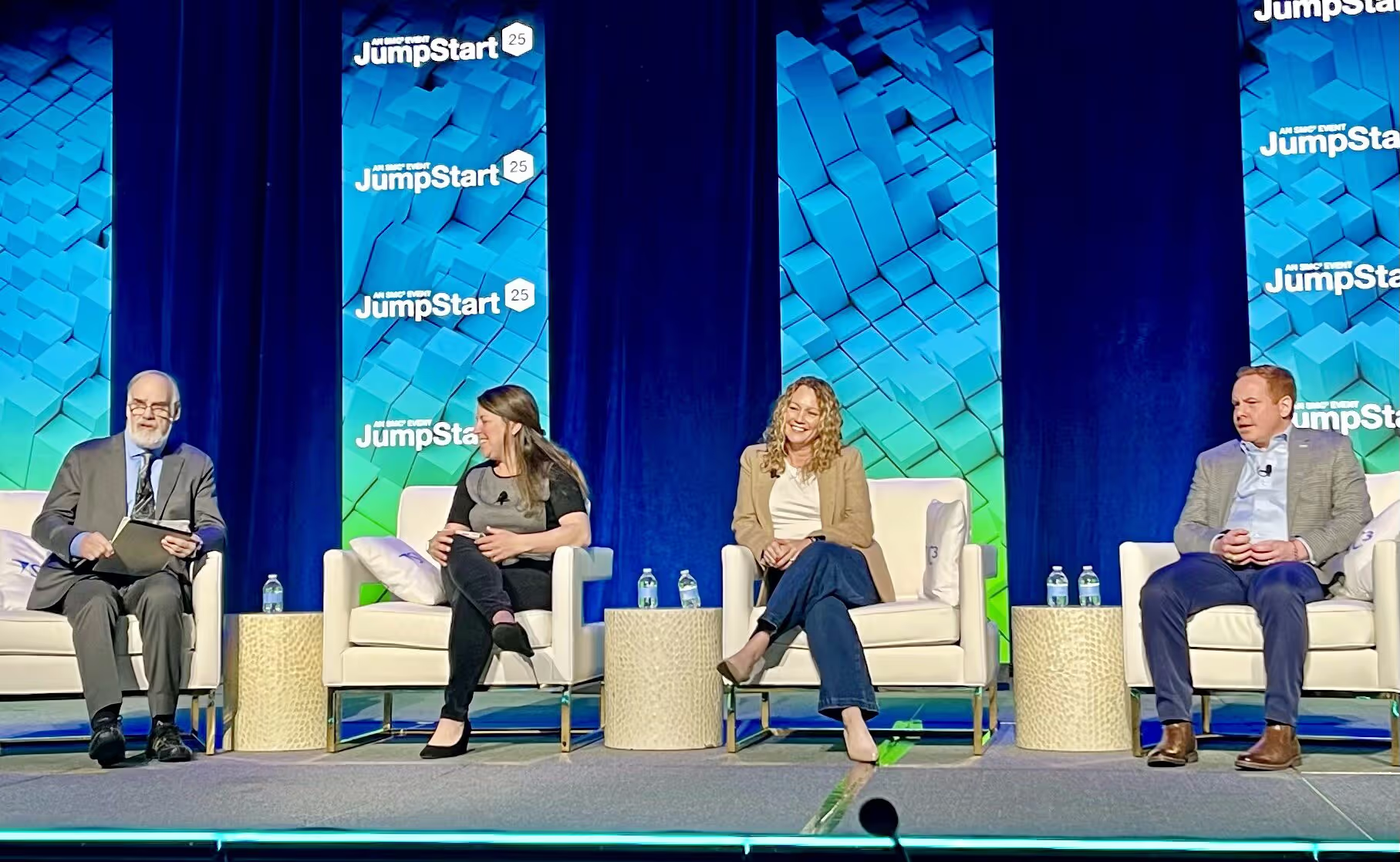
At SMC³ JumpStart 2026, logistics leaders moved past AI hype and focused on what it takes to turn automation into real operations.
12 read time
The logistics industry has moved past the "testing" phase of digital transformation. At SMC³ JumpStart 2026 in Atlanta (Jan 26–28), the focus has shifted toward integrating autonomous systems and AI into standard operating procedures.
This is my second year in a row attending with the Kaizen Softworks team, and the evolution over the last twelve months is a clear progression. In 2025, the industry was largely discussing potential; this year, the focus is on implementing results.
For leadership at 3PLs, carriers, and shippers, these three areas represent the most significant changes in the 2026 landscape.
In the session "2026: The Year AI Goes Full Throttle," experts from ArcBest, Estes Express Lines, and Augment demonstrated that AI is moving from a static tool to a functional layer that manages network flow. We are seeing a rise in algorithmic pricing and AI assistants capable of routing and optimizing shipments with minimal manual intervention.
The Less-than-Truckload (LTL) sector remains the primary focus of the domestic supply chain. With leadership from Knight-Swift, XPO, and ArcBest presenting, the focus for 2026 is on protecting margins through better data visibility.
Industry leaders are analyzing "The Balance Sheet" to track how shipper sentiment and economic signals are evolving. In a volatile market, profitability depends on turning raw data into actionable revenue models. Custom API integrations and real-time data accuracy are no longer optional; they are now the baseline for any carrier or 3PL looking to maintain a healthy operating ratio.
While technology provides the engine, leadership provides the direction. Keynote speaker Peter Sheahan challenged the industry to "get bigger by getting better" by focusing on high-value problem solving.
This aligns with the financial discipline emphasized by David Morris (CFO, Armstrong Transport Group), who highlighted the necessity of using advanced data analysis to navigate market volatility. Leadership in 2026 requires a clear-eyed assessment of organizational readiness. It is about assuming ownership of the alignment necessary to move away from mundane execution toward work that actually improves profitability and resilience.
No blogs matched this category, try applying different filters.