
·
Nov 4, 2026
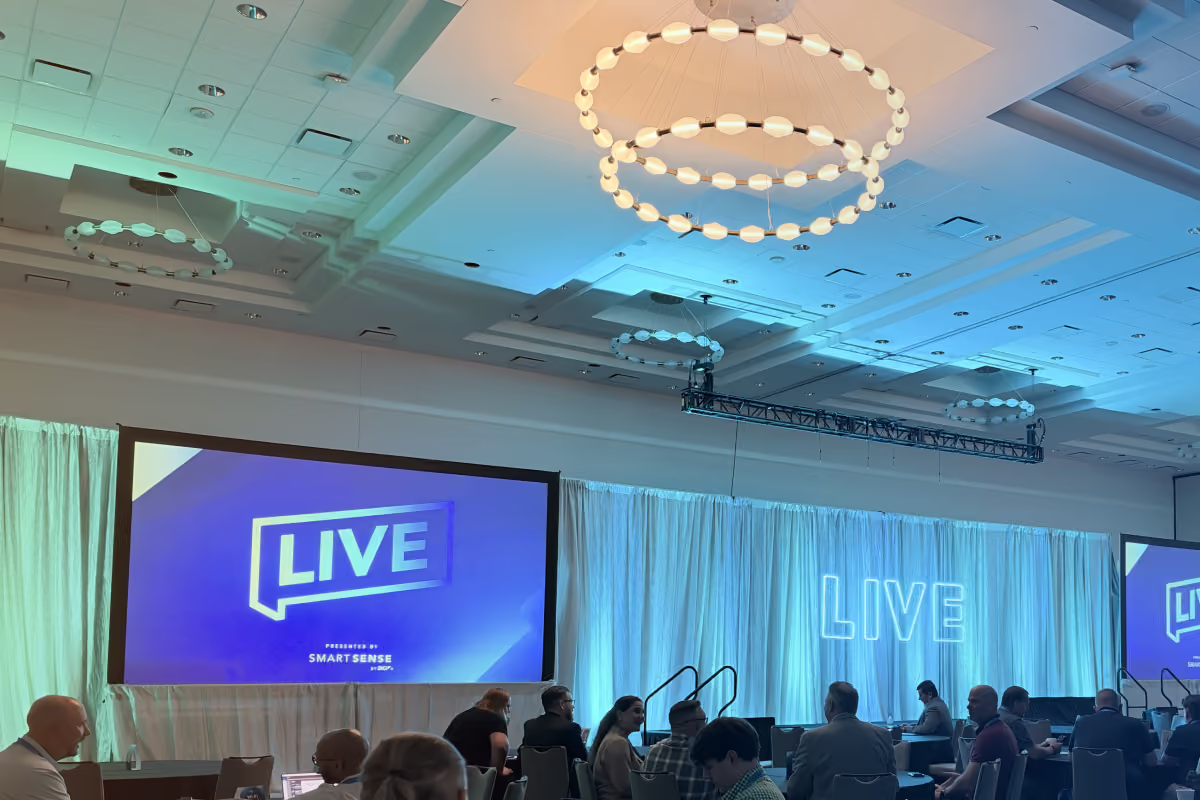
SmartSense Live 2026 | Food Safety Summit
SmartSense LIVE26 recap: SmartSense ONE’s launch, the Disruptive Technologies acquisition, AI assistant KAI, and what it means for food safety and compliance teams.

4
min read
Read more
Kaizen Teams


·
5
min

·
November 20, 2026

·
November 20, 2026


Elena Rivero
AI
AI
AI
About Us
About Us
About Us

·
November 20, 2026
·
November 20, 2026
·
5
min read
Elena Rivero
When employees can find answers and request time off on their own, our People team has more room for requests that need personal attention.
Working in People at Kaizen Softworks, I kept seeing the same questions reach our team and Office Management: How do I request time off? What benefits do we have? The answers were already in our Playbook. People just needed an easier way to find them.
I don’t have a technical background, but I knew the problem well. With support from Engineering, I built KzBuddy, an AI assistant for HR that helps employees find internal information, check leave balances, and submit eligible time-off requests.
The experience offers practical lessons for teams considering an assistant of their own, from choosing a first task to connecting employee records.
Your existing documentation can be a starting point for an internal AI assistant.
KzBuddy started with our Playbook, which covers benefits, equipment, and internal processes. Most answers were already there. Employees needed an easier way to find them.
Employees can ask KzBuddy questions in English, through the web or Slack. The assistant references the Playbook so they can check the original information.
When KzBuddy cannot answer a question, it forwards it to Office Management. Those questions also help identify gaps in the Playbook.
For a first version, this kept the scope clear: help employees find information the team already maintained, with a way to reach a person when needed.
Finding a leave policy is only one part of requesting time off. Employees also need to check their available days and register the request.
Connecting KzBuddy to our internal tools lets employees handle these steps through the assistant.
TaskWhat employees can do with KzBuddyInternal informationFind answers about benefits, equipment, and processes.Time offCheck balances, request or cancel eligible leave, and create out-of-office calendar events.Team availabilityCheck who is away using leave records and calendars the assistant can access.ExpensesLook up recorded spending on lunches, office purchases, and benefits.
Time off illustrates why these connections matter. For the employee, understanding the policy, checking a balance, and requesting leave are parts of the same task. Behind the scenes, the assistant needs to retrieve information, identify the employee, and update the right records.
KzBuddy uses the systems our teams already work with.
The application is built with Next.js and Anthropic’s Claude Sonnet 5.5. Claude interprets employee requests and selects the tools to use. Our server checks and executes the actions.
KzBuddy provides Claude with the full Playbook rather than using a separate search index. The document fits within the model’s context window, so this was a practical choice for our starting point.
Prompt caching reduces repeated processing. The content refreshes automatically each week, and we can update it manually when something changes.
The important decision was to use the documentation we already maintained, with a defined process for refreshing it.
Google Apps Script connects KzBuddy to leave and expense records in Google Sheets.
Google Calendar lets employees check availability and, with their authorization, create out-of-office events. Creating an event is separate from registering a leave request.
These connections let employees work with existing records through the assistant.
Employees can message KzBuddy directly or mention it in a Slack channel.
Slack also keeps Office Management involved. The assistant sends notifications about leave changes and forwards questions it cannot answer.
KzBuddy runs in Docker on our Dokploy server, with Postgres storing application data. Its current employee-facing actions use tools defined through Claude’s API.
Answering a policy question and changing a leave record require different checks.
Employees sign in with their Kaizen Google account on the web or use their Slack identity. For personal leave operations, the server supplies the employee’s identity. Claude does not choose whose records to access.
Before registering a time-off request, KzBuddy shows the dates, number of working days, and leave balance before and after the request. The employee must confirm before anything is recorded.
When the available balance is insufficient, the employee can explicitly accept an advance from the following year.
After confirmation, the request is recorded in the spreadsheet and Office Management receives a Slack notification. An out-of-office calendar event requires a separate step.
Human responsibilities remain part of the process. Special leave requests go directly to Office Management, and employees still coordinate time off with their client and team. Office Management reviews regular leave changes after registration.
Duplicate-request checks help prevent the same request from being recorded twice.
For a similar implementation, define these responsibilities before connecting the assistant to records it can change. Be clear about who can act, what requires confirmation, and where human review happens.
People and Office Management are receiving fewer recurring questions as employees use KzBuddy to find information about benefits, equipment, and internal processes.
Employees can also check leave balances and register eligible time-off requests with fewer manual steps.
That leaves more room for requests that need personal attention. When KzBuddy cannot answer something, the question reaches Office Management and helps identify information that needs to be clarified or added to the Playbook.
The assistant supports the existing process while giving employees another way to handle routine tasks.
I built KzBuddy with support from Engineering. I came to the project from People Care, without a technical background, but I knew the questions and processes our colleagues dealt with every day.
That knowledge helped define what the assistant needed to do. Engineering helped turn it into a tool employees could use.
The next steps for KzBuddy are connecting KzHoras for hours logging and improving checks for overlapping leave requests. Employee feedback will help guide further changes.
For your team, start with one recurring task. Identify where the information lives, who should have access, and which changes need confirmation. Test the process, including errors and exceptions, before adding more tasks.
A process you understand well gives you a practical starting point to build and test with your team.

Events
·
Nov 4, 2026
SmartSense LIVE26 recap: SmartSense ONE’s launch, the Disruptive Technologies acquisition, AI assistant KAI, and what it means for food safety and compliance teams.
4
min read
AI
UX Design

·
Oct 23, 2026
How a design system lets Marketing and Product teams use AI to build on-brand prototypes, based on Kaizen’s own experience and turnaround numbers.
6
min read